WR3000N 300M Wireless N Router
- 21 -
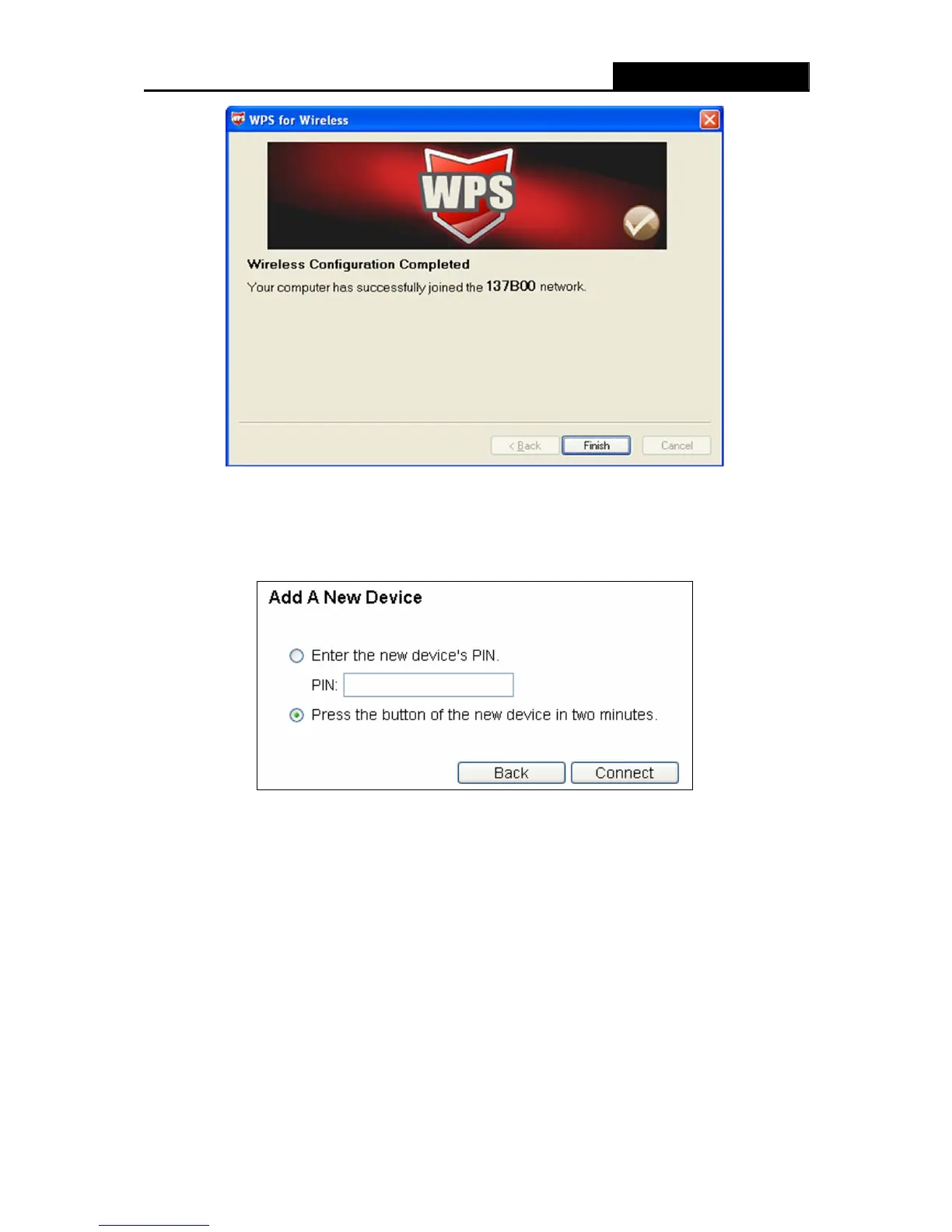
The WPS Configuration Screen of Wireless Adapter
Method Three:
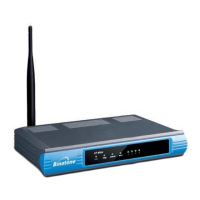
Step 1: Keep the default WPS Status as Enabled and click the Add device button in Figure 4-2,
then the following screen will appear.
Figure 4-3 Add A New Device
Step 2: Choose “Press the button of the new device in two minutes” and click Connect.
Step 3: For the configuration of the wireless adapter, please choose “Push the button on my
access point” in the configuration utility of the WPS as below, and click Next.


 To Next Page