KB (E4 + E6) 02/2017 page 51/148
The following example shows a time program where the sections 2 and 3 shall be repeated 30 times:
08.03.2015 05:05:06
Time program editor.
..\ Temperature controller
Menu
Sections 2 and 3 will be executed in total 31 times; only then will the program continue.
9.3.5 Tolerance range
You can specify a tolerance range for each program section with different values for the tolerance mini-
mum and maximum. When the actual value exceeds the given threshold, the program is interrupted. This
is indicated on the display, see chap. 9.4. When the actual temperature is situated again within the en-
tered tolerance limits, the program automatically continues. Therefore, the duration of the program may
be extended due to the programming of tolerances.
Programming of tolerances may extend program duration.
An entry of “-999” for the tolerance minimum means “minus infinite” and an entry of “999” for the tolerance
maximum means “plus infinite”. Entry of these values will never lead to program interruption.
When requesting a rapid temperature transition, we recommend not programming tolerance values in
order to enable the maximum heating-up or cooling-down speed.
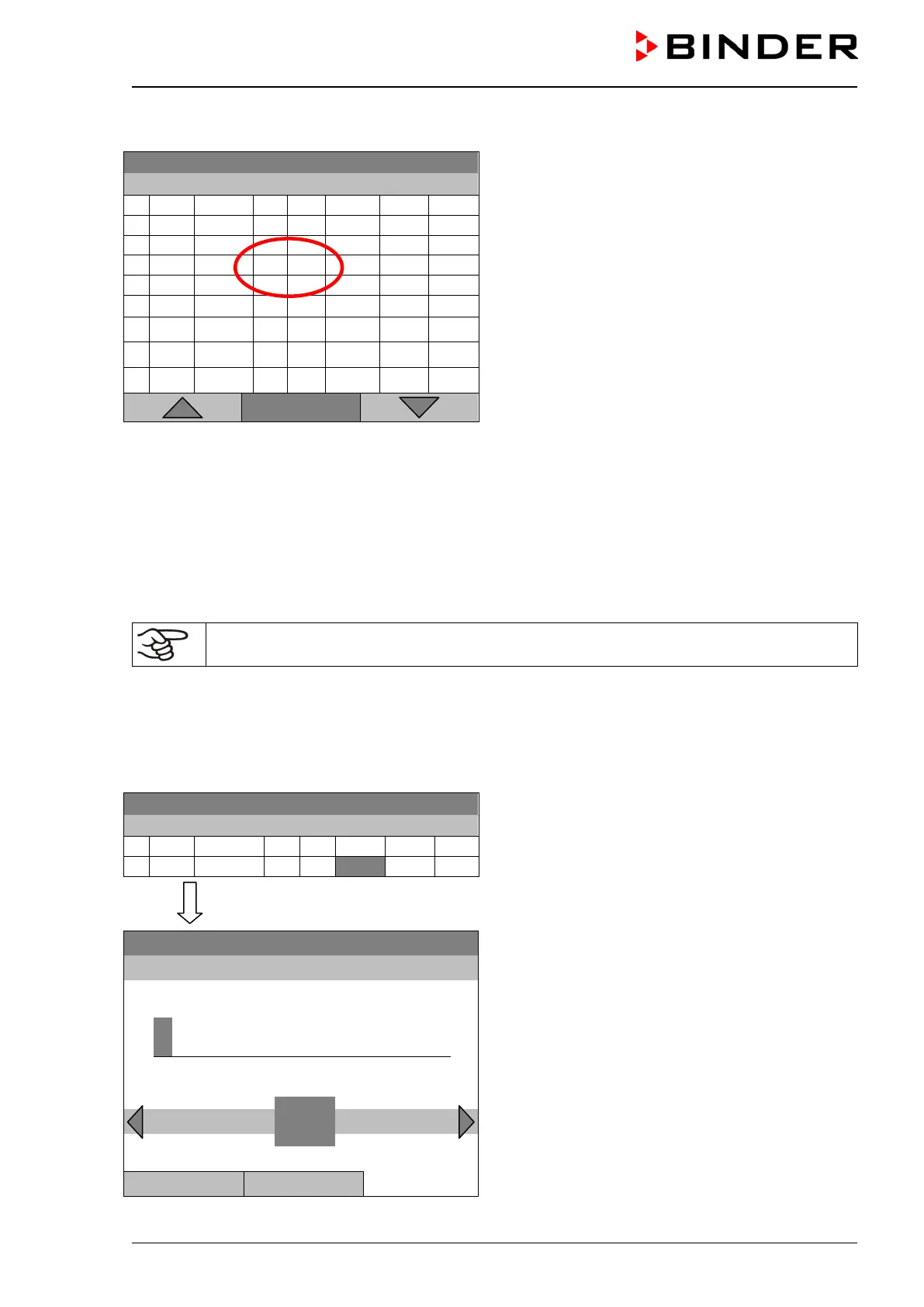
Start with the minimum value:
08.03.2015 05:05:06
Time program editor.
Select a value under “T. min”
and press the operating button.
..\ Temperature controller
Fixed value
08.03.2015 05:05:06
Entry menu “Tolerance range minimum tempera-
ture”.
Enter the desired value with the operating button.
Press the “Ok” button to confirm.
..\ Tolerance range minimum temperature
-
2 3 4 5 6 7 8 9 ,
Del Ins Pos1
Close Ok






 To Next Page