Service documentation series KB/KBF
BB / JTU 25.06.2000
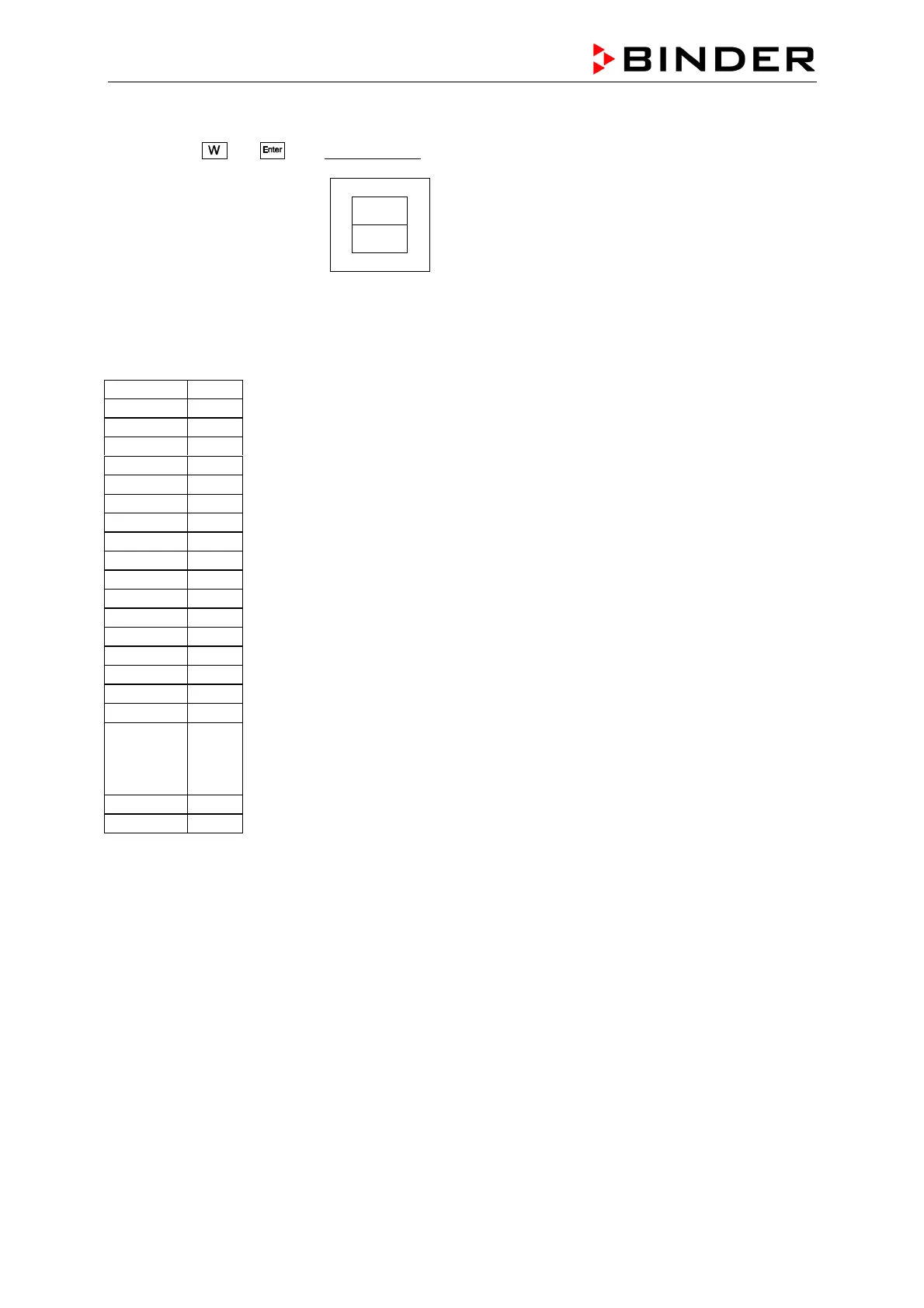
To enter the parameter level go on as following:
x Press the
and
keys twice together. The following display will appear:
---
Sd.01
You can toggle through the levels with button “W“ from one parameter to the next
e.g. Sd.01 –Sd.02 - Sd.03...
On level Sd. 01 and Sd 04 you have to go in by pressing Enter to change parameter C112 resp.
C411,C412 and C413 as descried on following parameter list.
Sd01
C111
C112 0001
C113
C114
C115
C121
Sd02
C211
C221
C222
C223
C231
Sd03
C311
C312
C313
Sd04
C411
C412
C413
C414
0001
0810
0000
Sd05
and so on
Now switch the unit on and after 10 seconds on again.
The interface card is now ready installed.
Hint on connection with APT-COM:
If the KBF chamber is equipped with 2 serial interfaces RS 232 it needs two 9m connection cables and
two COM-ports at the PC. A RS232 Extension port offered by BINDER (see APT-COM price list) is
necessary if the PC does not have two free serial interfaces RS 232.
All other parameters remain unchanged.
Confirm any change with enter and go after all is
done out with exit.
After this adjusting set the DIP-switch No.2 back to
ON to avoid further changes.









 To Next Page