12
8. How to make the most of your binding machine
The following suggestions can be useful when using your Bindomatic 101 DFS
Avoiding loose pages!
Tip:
Always use the cover selector to ensure you have the correct spine width and thus avoid
loose pages.
If there are too many pages in a cover, the string of glue will be insufficient for all the pages.
Do not pull out pages!
Tip:
Allow the document to cool down. When the document is removed from the machine, it has
cooled sufficiently so it can be handled and read. But do not test the strength of the binding
immediately. A document with only a few pages reaches full strength after a few minutes. But
a thicker document may require almost an hour to cool down and attain maximum strength,
especially if the set of papers comes directly from a copying machine or printer.
Check that the paper you are using is suitable for binding!
Tip:
When using glazed paper, we recommend that you first make a test binding to check that the
strength of the binding is satisfactory. The strength of some types of glazed paper is very
similar to ordinary copying paper whereas other types have characteristics that may reduce
the strength of the binding. Using glazed paper for one or two pages in the set will usually not
cause any problems.
Even jogging!
Tip:
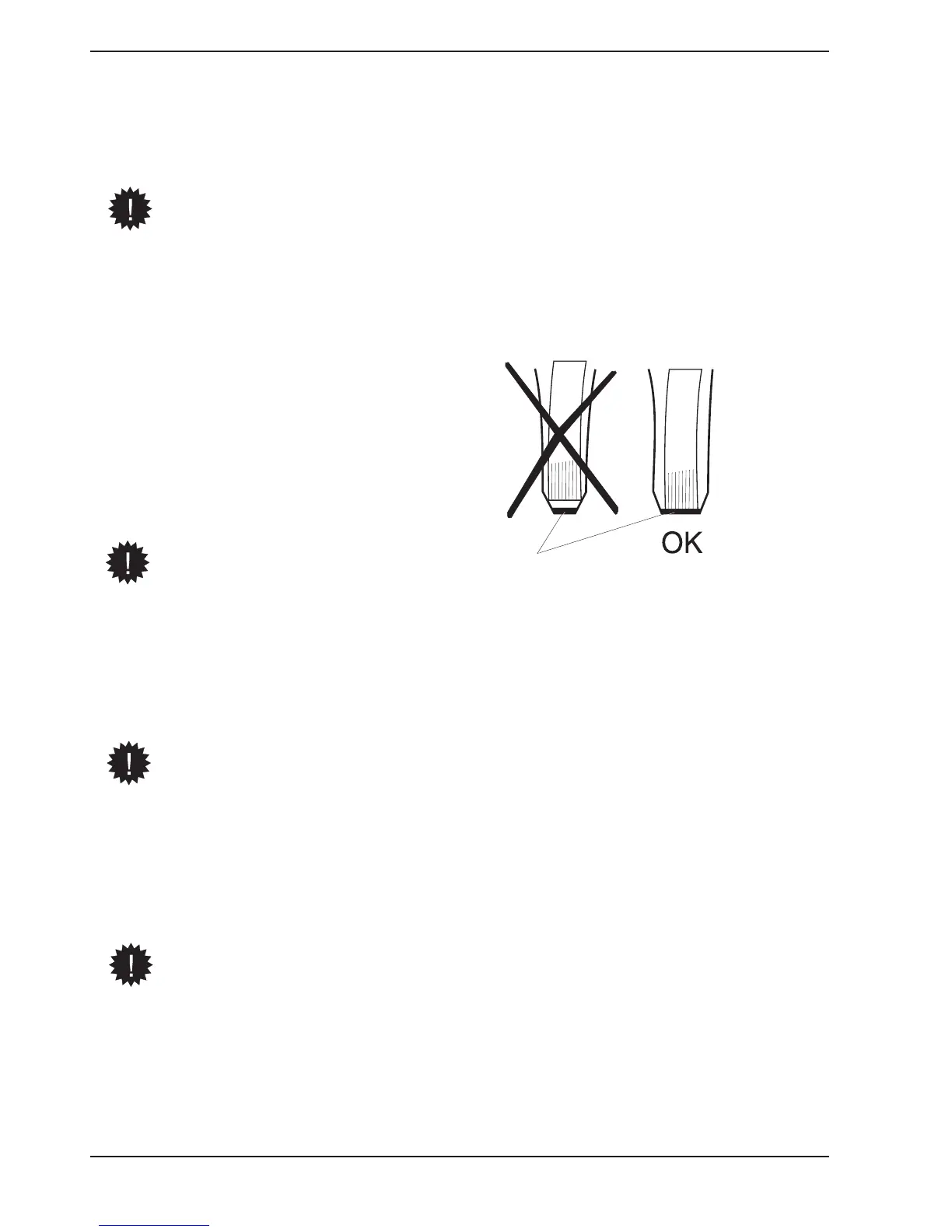
Always use the sorting function on your copying machine. On many copying machines the
output copies can be sorted into sets and delivered in a special output tray, and for binding,
it is always advantageous to select the sorting function. Normally the copying machine jogs
every page it sorts. If the standard output tray of the copying machine is used, static
electricity in each sheet of paper will make it close to impossible for the binding machine to
jog the papers and form a uniform and presentable document.
Glue


 To Next Page