25
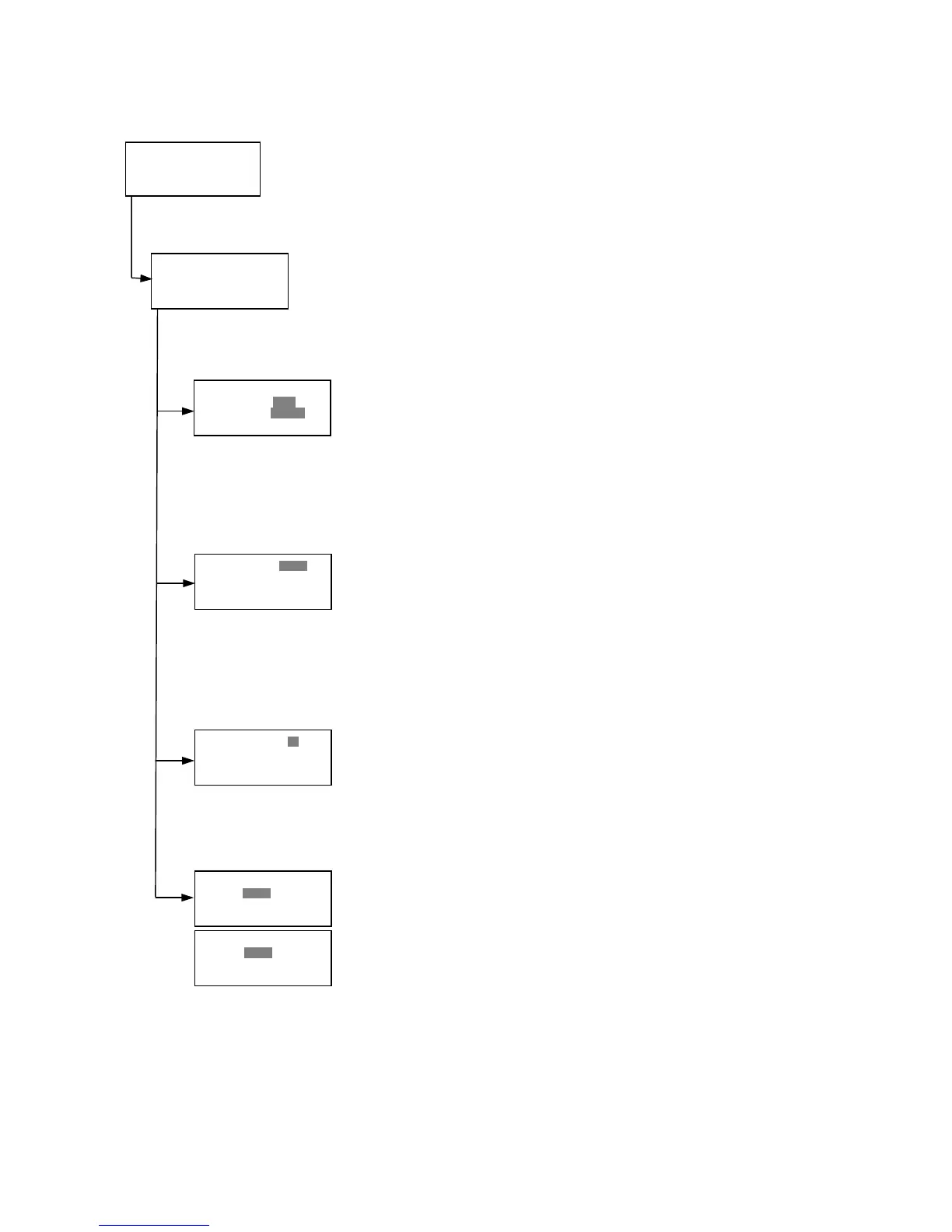
4.3.6. Checkmark value setting (by Administrator only)
»ŶSerial #/Report
•Li n e a r it y r ef .
•Ma x . C V %
•Fi l t e r C h ec k r ef .
Checkmark Protocol Menu
»ŶSerial #: 0000
Rep . t y p e: Simple
405 n m S 1 :0.158
Linearity S2:0.309
reference S3:1.401
S4: 2 . 1 0 9
Max.CV% »ŶS1:15%
Linearity S2:05%
reference S3:02%
S4: 0 2 %
Filter max min
405 : 1.875 0.329
450 : 1 . 1 67 0. 95 4
Ļ 492 : 0 . 5 96 0. 10 3
Serial #/Report
Linearity reference
Max. CV%
Filter check reference
Filter max min
Ĺ 540 : 1.875 0.329
620 : 1 . 1 67 0. 95 4
690 : 0 . 5 96 0. 10 3
Serial number and Report type setting
Pressing the Up and Down arrow keys will move the cursor and change the
field entry.
When “Serial #” field is active, enter the serial number that will be shown in the
data sheet of the Checkmark plate using the numeral keys.
When the “Rep. type” filed is active, pressing the Right arrow key will switch
the report type between “Simple” and “Full”.
Linearity reference value setting
Pressing the Up or Down arrow keys will move the field entry from S1 to S4.
Pressing the Right arrow key will change the wavelength:
405nm->450nm->492nm->540nm->620nm->690nm
Use the numeral keys for the reference value setting.
Pressing Enter will complete all field entries at all wavelength.
Max. CV% setting
Pressing the Up or Down arrow keys will move the field entry from S1 to S4.
Use the numeral keys for the Max. CV% setting. Pressing Enter will complete
all field entries.
Filter check reference value setting
Initial screen shall be the reference entries for 405nm to 492nm and pressing
the Down arrow key at the bottom of the screen entries will scroll to the next
page for 540nm to 690nm. Pressing the Up, Down and Right arrow keys will
move the field entry.
Use the numeral keys for the filter check reference value setting. Pressing
Enter will complete all field entries.
Checkmark Protocol Menu
Select “Protocol” in the Edit Menu and press Enter. The Checkmark Protocol Menu
will appear on the screen, if the current active protocol type is Checkmark mode.
Edit Menu
»ŶProtocol •Lab.name
•Se c u r i ty •S av e ST D C
•Fi l t e r s • P ri nt e r
•Da t e s et
Edit Menu
This menu screen can be accessed by pressing the Edit key in the MAIN screen.



 To Next Page