27
4.3.8. Cutoff setting procedure
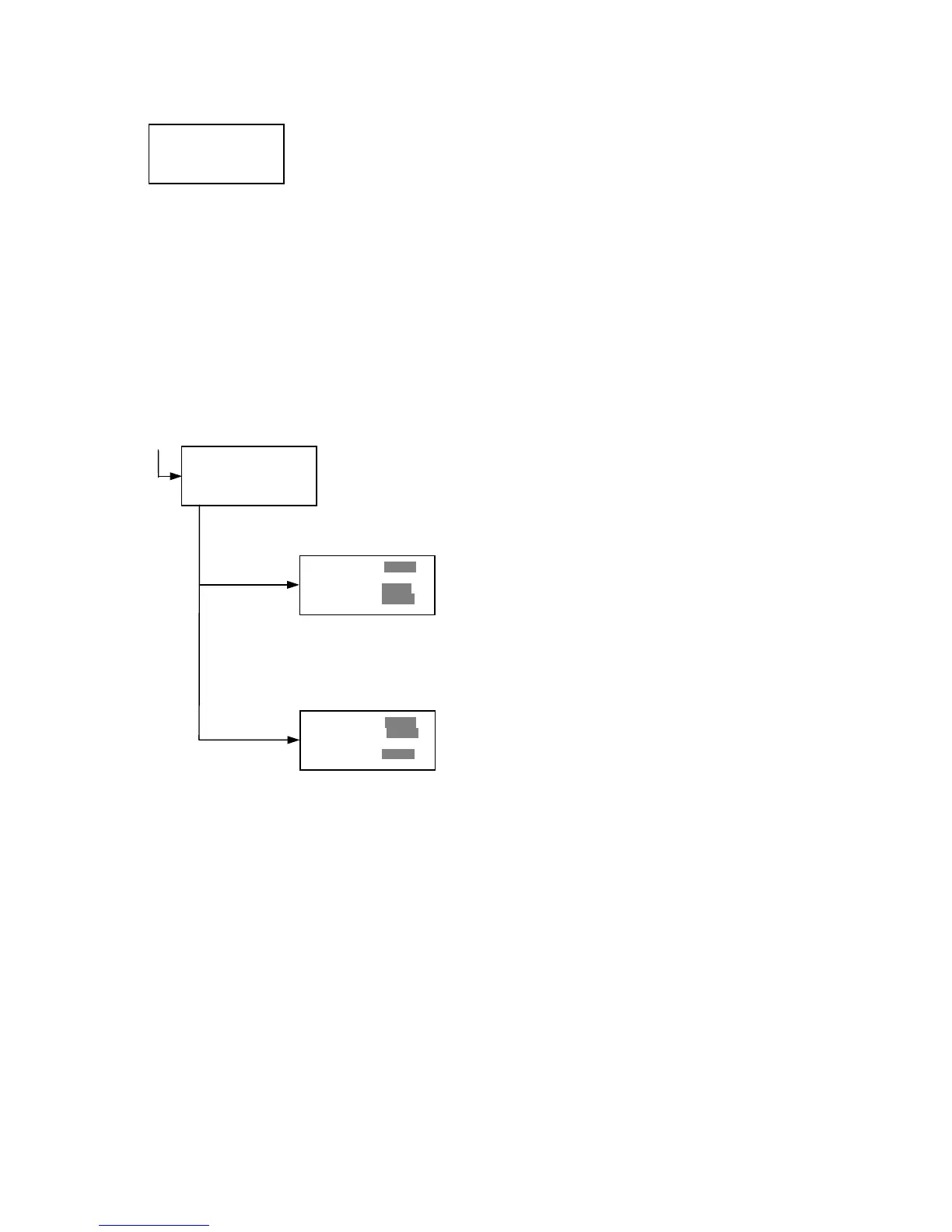
Cutoff setting Menu
This menu is entered by choosing "Cutoff" in the End Point Protocol Menu. It is used to
set the cutoff type. The cutoff type marked with “[ ]” is the current selection. The Up
and Down arrow key moves the cursor to the desired item in the menu list. When the
desired parameters have been selected, press Enter twice to accept the selection and
to resume to the next screen.
"Not use" means that the reader does not generate the cutoff report.
4 types of cutoff are supported as below.
1. Cutoff Constant
2. Cutoff Control
3. Cutoff Formula
4. Cutoff Ratio
a. Cutoff Constant setting
Selection of Single/Ranged Cutoff Constant
This menu selects Single or Ranged cutoff type. The cutoff type marked with
“[ ]” is the current selection. The Enter key seals the selection and resumes to
the next setting screen.
Single Cutoff Constant
The Numerical keys and the Decimal point key are used to
enter the positive and gray zone values. The Right arrow key
is used to select the unit. The Up and Down arrow key moves
the cursor to the desired parameter of the single cutoff. The
Enter key sets all values and selection of the cutoff constant
and returns to the previous screen.
Ranged Cutoff Constant
The Numerical keys and the Decimal point key are used to
enter the positive and negative values. The Right arrow key
is used to select the unit. The Up and Down arrow key moves
the cursor to the desired ranged cutoff parameters. The Enter
key sets all values and selection of the cutoff constant and
returns to the previous screen.
NOTE:
Two available Cutoff constant are “Absorbance” and
“Concentration”. If "Abs" is chosen, the Absorbance cutoff will
be done with the cutoff constant parameters defined and the
absorbance report is generated. For other units defined in the
curve fit setting, the Concentration value using the curve fit
and then cutoff is done with the cutoff constant parameters
defined and the concentration value of each well. It is
necessary to set the curve fit parameters.
»ŶNot usex •Ratio
[Const]
•Co n t r l
•Fo r m u l a
»ŶPositive >= 99 9 9
Gray zone: 5 0 %
Unit: mo l/ l
»ŶPositive >= 99 9 9
Negative < 19 99
Negative<Positive
Unit: mo l/ l
»ŶRanged cutoff
[Single cutoff]
Single cutoff
Ranged



 To Next Page