15 Biodex Medical Systems, Inc. © 2017
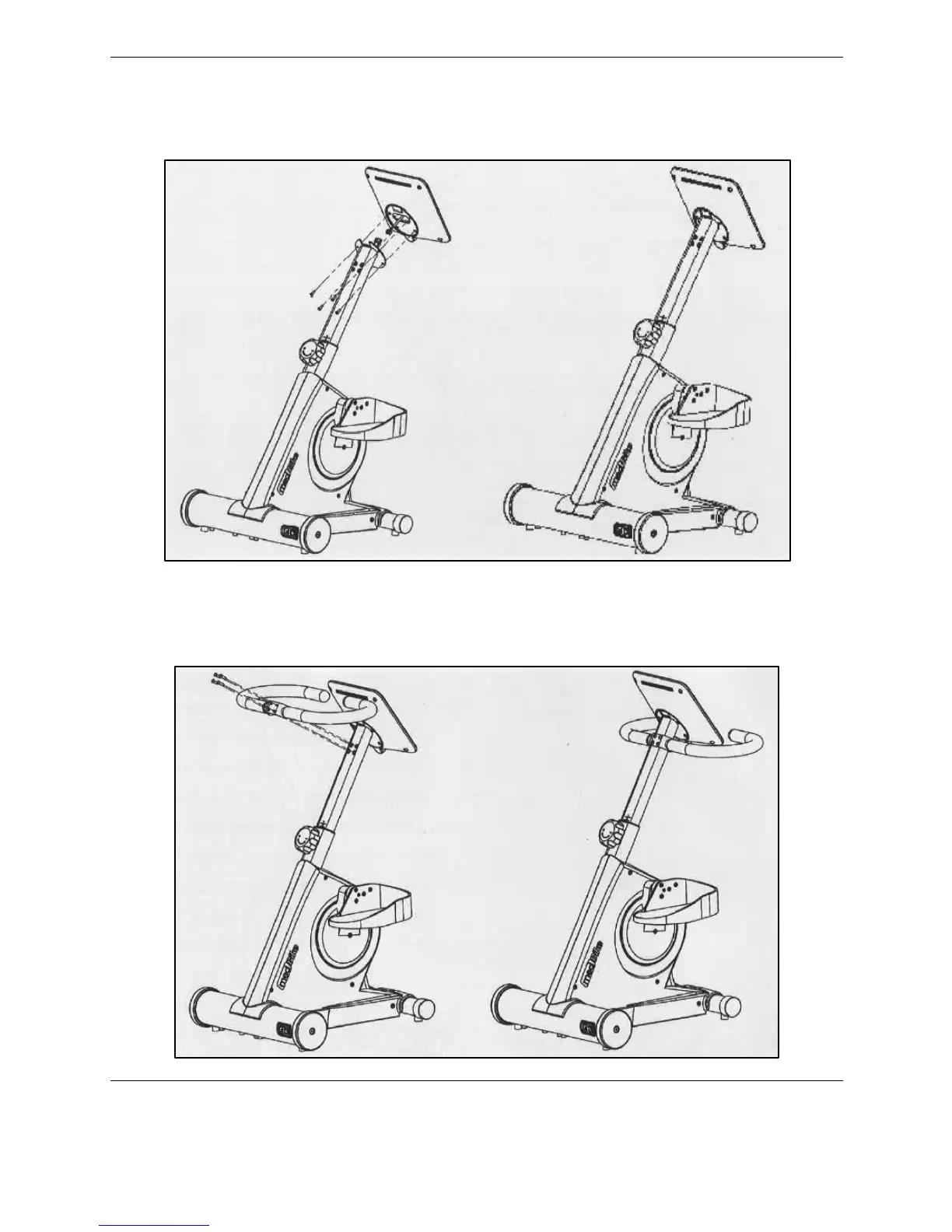
Next, line up the holes in the back of the display with the four holes on the top of the
handlebars stem tube, and affix the two pieces with the four bolts. Use the Allen wrench to
tighten.
Figure 2.6. Connect the display.
The last step is to affix the handlebars to the handlebars stem tube. Line up the holes for the
bolts (4) and tighten with the Allen wrench.
Figure 2.7. Connect the handlebars.



 To Next Page