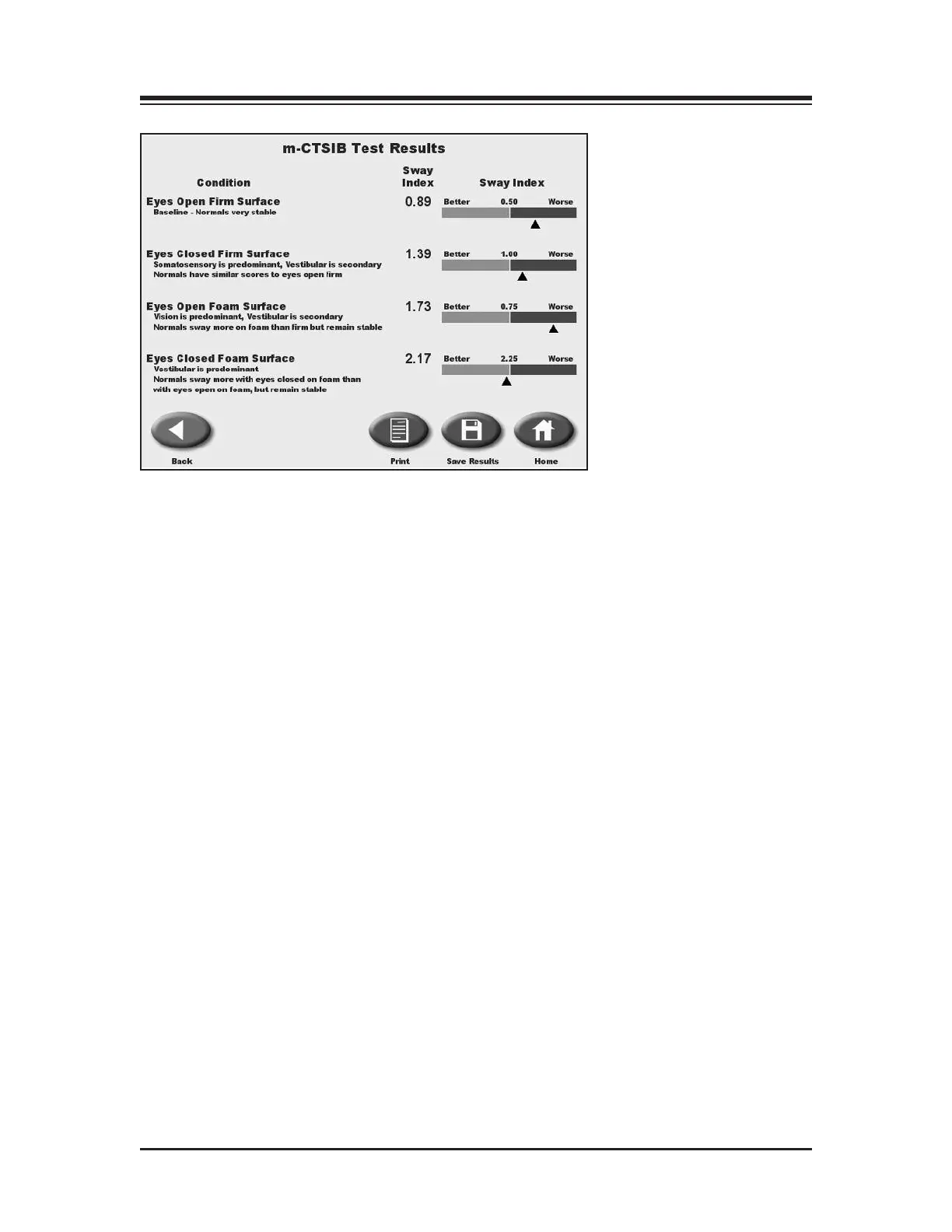
Figure 7.7. The m-CTSIB Test Results screen.
4. At the Results screen, touch <Print> to automatically generate a printed report if desired.
5. To save the test data, touch <Save Results> and then touch <OK> in response to the “Save
Results for later reporting or export?” prompt. The system will display “Save Results
Completed” after the results are saved.
6. Another test for the same patient can be performed.
7. To return to the Opening Menu from the CTSIB screen, touch <Home>.
8. If a patient could not complete a stage, the stage is noted as “Fell”.
X
— 7-7 — TESTING



 To Next Page