&
A9>C5A?>>53C9?>
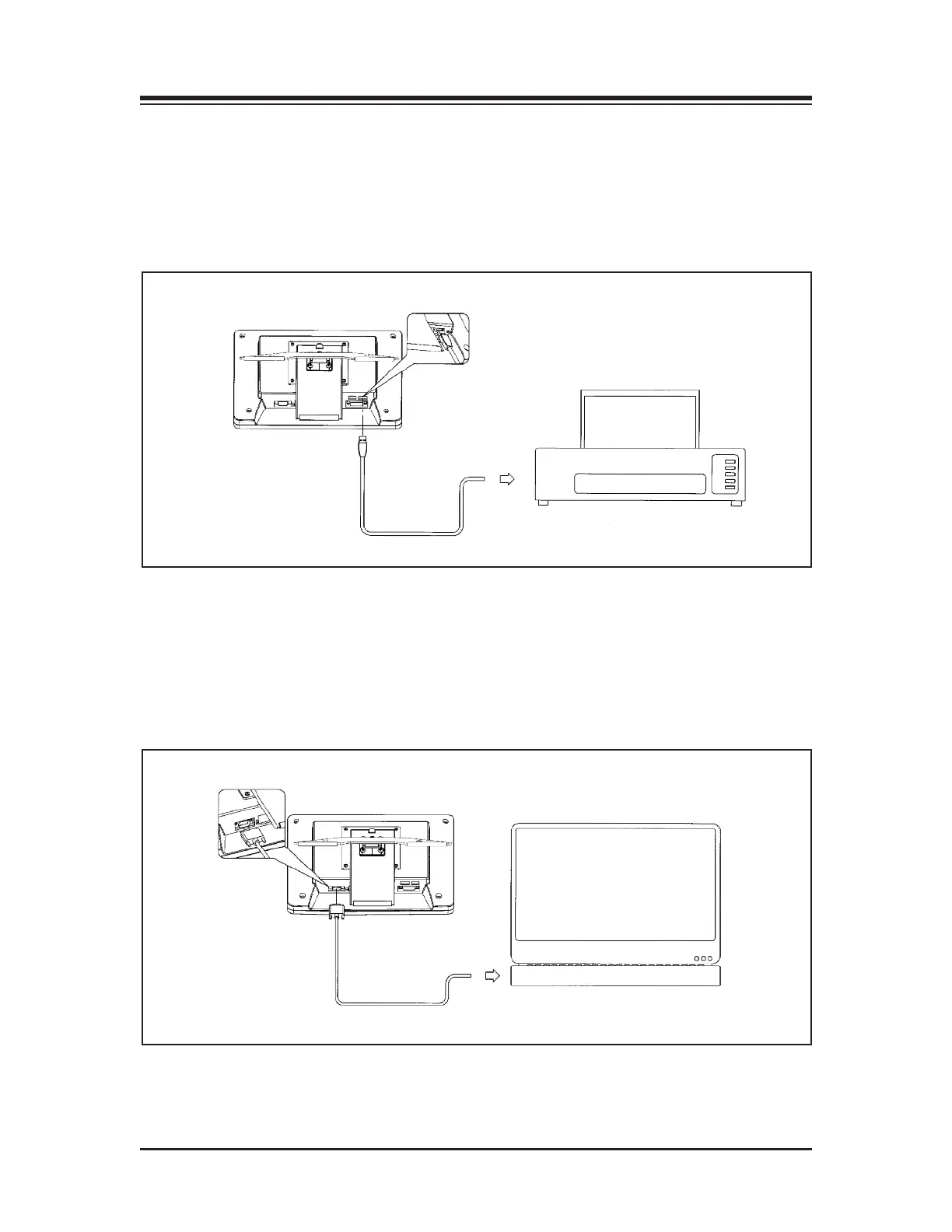
(See Figure 3.6.)
The USB port and cable are used to connect the printer.
N
OTE: The printer is sold separately. Check Appendix 10 for list of compatible printers, or contact
Biodex customer service
Figure 3.6. Printer connections.
)5A91<?>>53C9?>*?"1@C?@?A&
(See Figure 3.7.)
The serial connection is used to connect the BioSway to a laptop or PC.
NOTE: See Chapter 9, System Utilities, for more information on patient data collection software.
Figure 3.7. Serial connection to a laptop or PC.
ASSEMBLY AND INSTALLATION
— 3-3 — CONNECTIONS AND ADJUSTMENTS



 To Next Page