— 9-5 — SYSTEM UTILITIES
REPLACEMENT PARTS
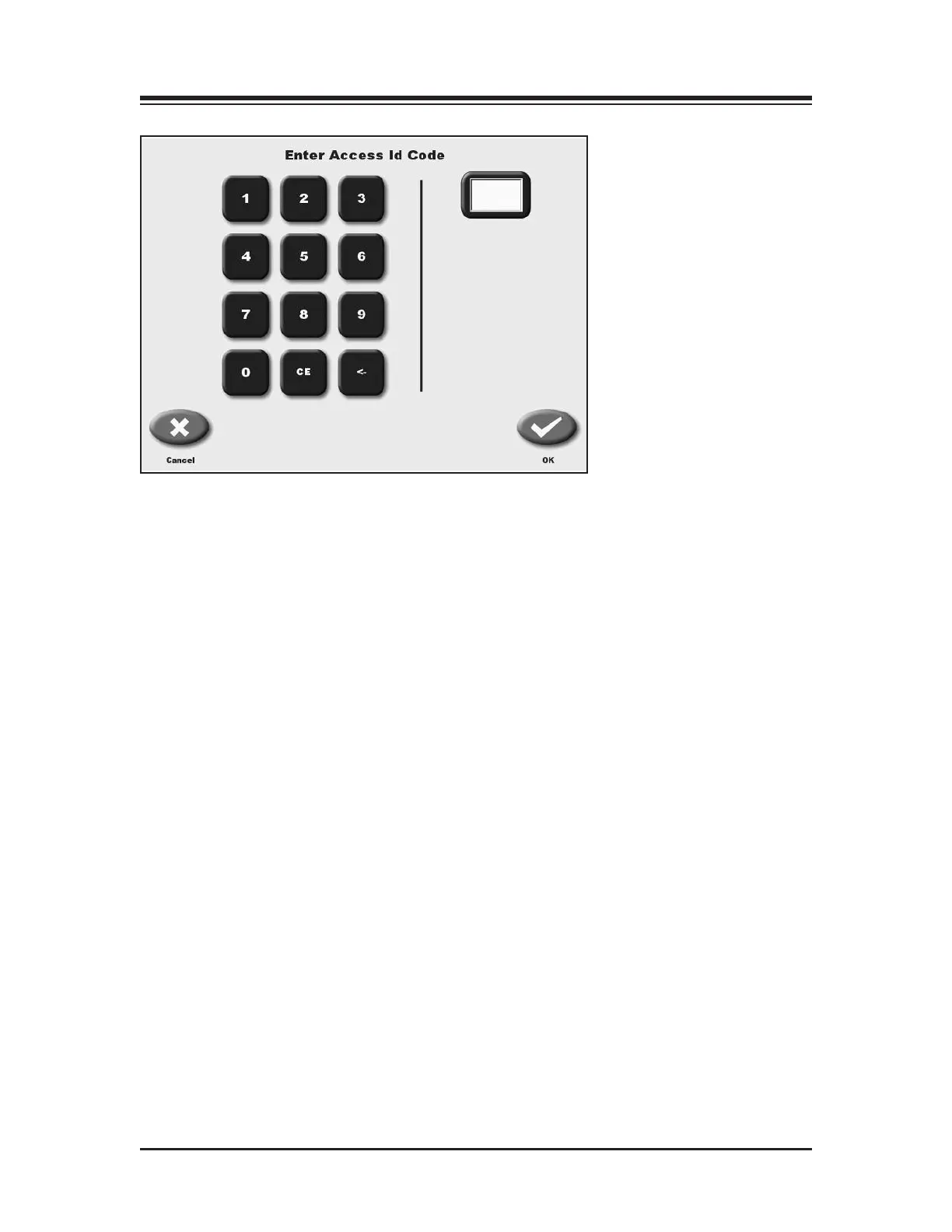
Figure 9.5. An Entry Access Code provides a level of security to all
default settings.
)53DA5?45Enabling this would require the 781 code to be entered each time the device is
turned on. This provides some level of security.
&*$*#$#$*
(See Figure 9.5.)
At the System Utilities screen, touch <Patient Management > and then enter 781 in response to
the “Enter Access Code” prompt. Touch <OK>. The Patient Management screen should now be
displayed. This screen shows a listing of patient and associated saved test and training sessions
along with the date performed. Use the <▲> or <▼> arrows to scroll through the list of patient
tests.
NOTE: Patient data storage is close to 2 MB. That should be enough storage for 200 patient tests.



 To Next Page