REPLACEMENT PARTS
SYSTEM UTILITIES — 9-4 —
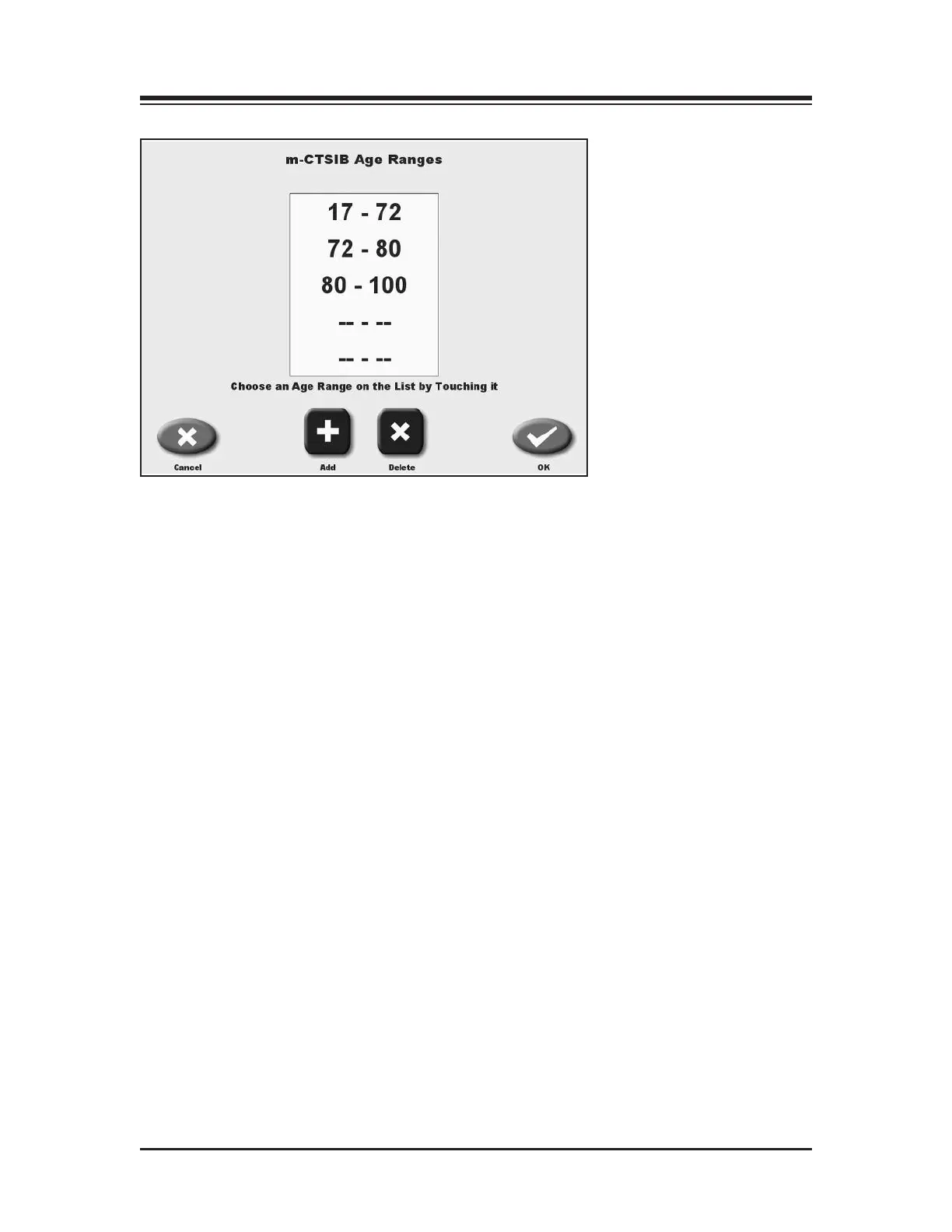
Figure 9.4. The m-CTSIB Age Ranges screen.
At the Default Settings screen, users can set which conditions of the CTSIB they want as defaults
for testing as well as the ability to enter in or change Sway Index Goals. Default settings can be
restored to the “factory” defaults by pressing Restore Defaults.
81>79>7*85*)561D<C?>49C9?>B
1. At the Configuration Screen, touch <Default Settings>. The Default Settings screen should
now be displayed.
2. Touch the conditions you want as defaults. The selection will be highlighted.
3. Touch <Ok> to save and return the Configuration screen.
4:DBC9>7*85)F1H>45G?1<B
1. At the Configuration Screen, touch <Default Settings>. The Default Settings screen should
now be displayed.
2. Touch the goal value to you wish to adjust.
3. Use the <▲> or <▼> arrows to increase or decrease the value displayed.



 To Next Page