CONTENTS
— 9-3 — SYSTEM UTILITIES
*
DA>*?>5%$%This setting enables or disables an audible tone which is used throughout
the BioSway for scoring tones, test or exercise start signals, and completion or countdown
between trials.
At the Configuration screen, simply touch the ON or OFF icon to select the desired setting.
4:DBC*?>5,?<D=5 This setting raises or lowers the volume of the audible tone described
above. between trials.
4:DBC"A978C>5BBThis setting brightens or darkens the display screen for all applications.
At the Configuration screen, simply touch along the LCD Brightness Bar Scale until the desired
display brightness is achieved. The left end of the scale is darkest; the right end of the scale is
lightest.
At the Configuration screen, simply touch along the Tone Volume Bar Scale until the desired
level is achieved. The left end of the scale is least loud; the right end of the scale is most loud.
)5<53C#51BDA5+>9CB?A&A9>C5A(5B?<DC9?>
These setting are simple toggle choices. Simply touch the desired parameter to view the choices,
and then touch the setting you want to select.
•Measure Units: Metric or US
•Printer Resolution: normal or high
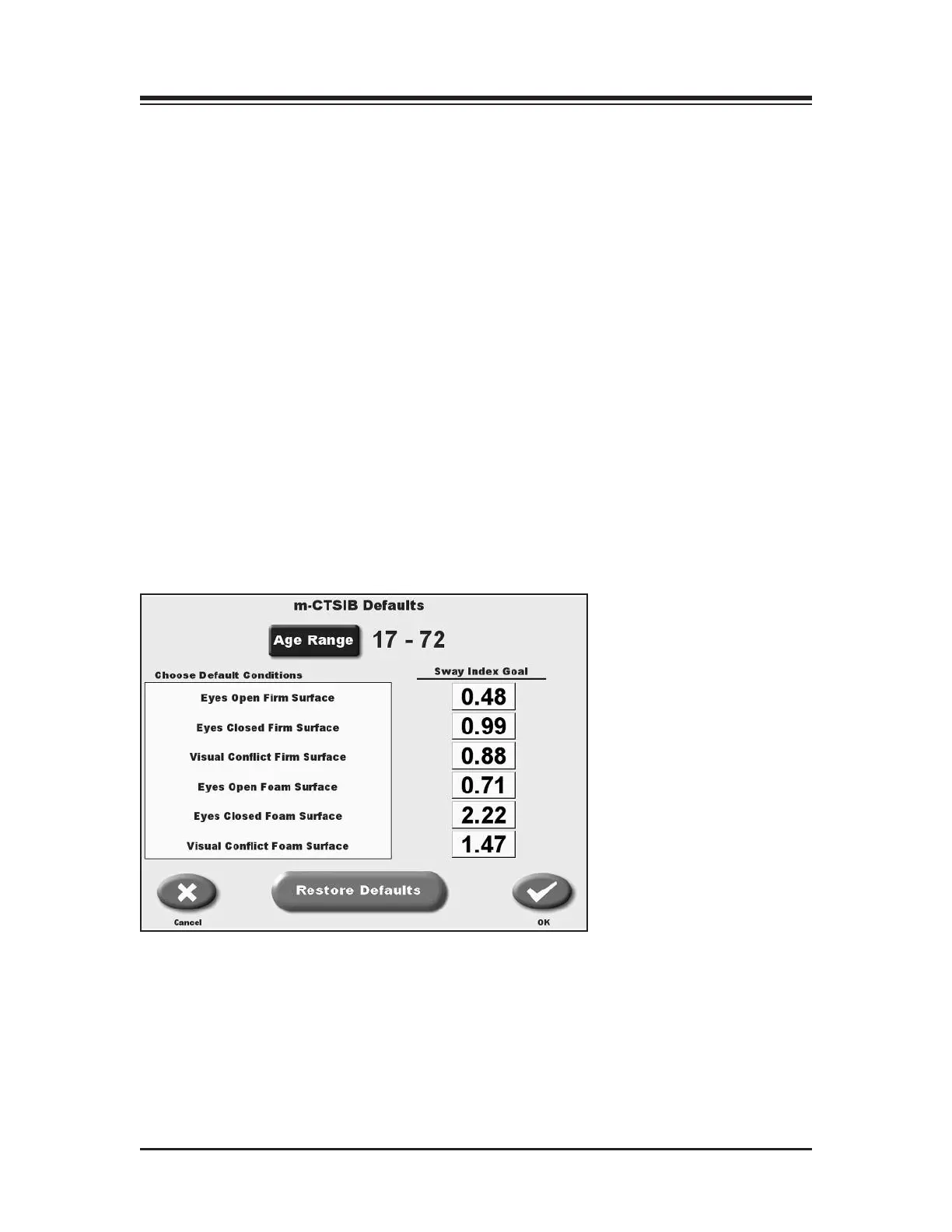
=*)561D<C)5CC9>7B
(See Figure 9.3.)
Figure 9.3. The m-CTSIB Defaults screen.



 To Next Page