SCHEMATICS
— 8-7 — REPORTS AND DATA
&(%())(&%(*)
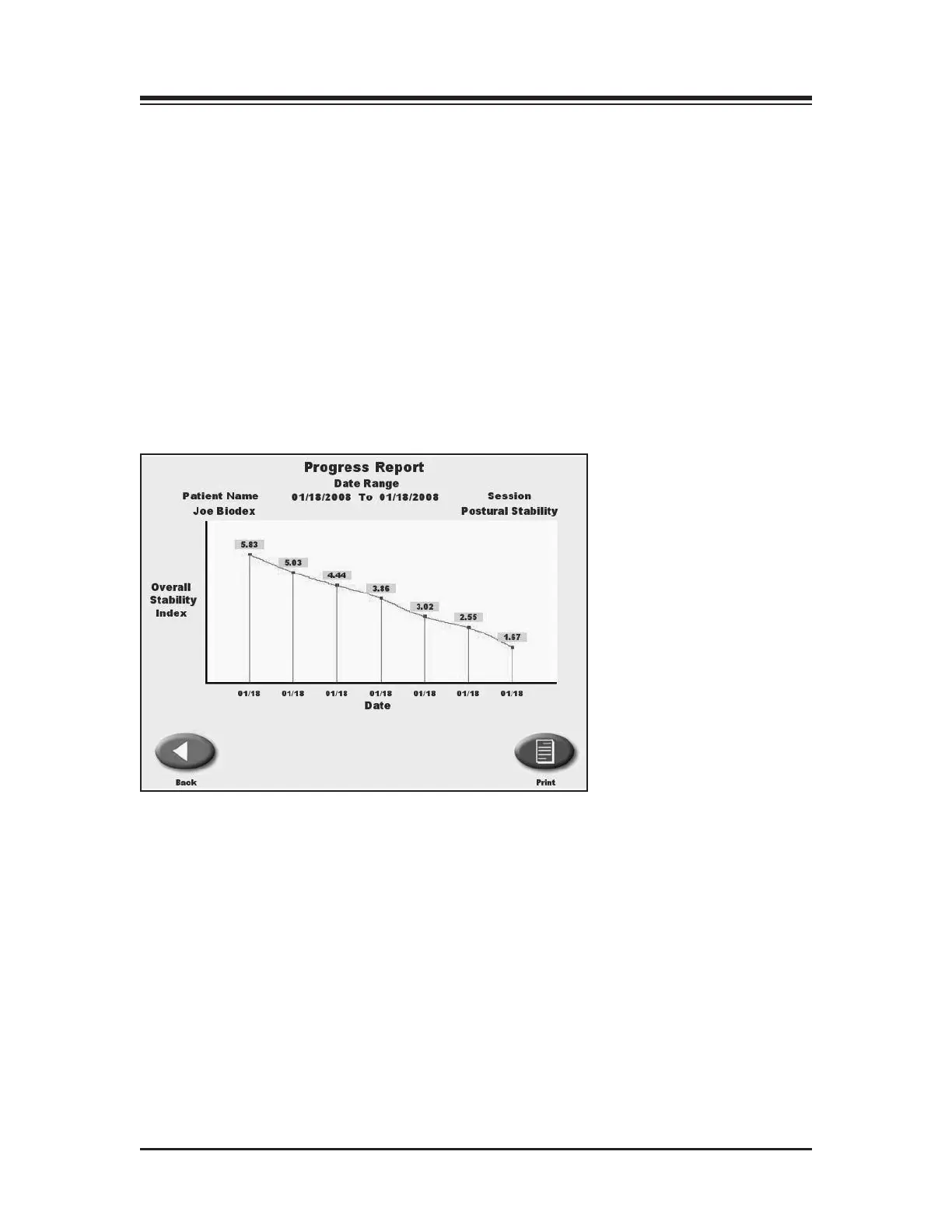
(See Figure 8.4.)
Progress Reports graph overall stability scores for each Postural Stability Test date selected. The
tests are selected from Patient Maintenance on the Utilities Menu. The patient selected must
have multiple tests, with resultant Stability Index scores, to generate a report.
To Print A Progress Report:
1. Touch <Utilities> on the Main Menu. The System Utilities screen should now be displayed.
2. Touch <Patient Management> and enter code 781 to advance to the Patient Management
screen.
3. Touch the desired POS Postural Stability Test and then touch <Progress Report>. Note that
the report will be limited to the specific test type selected.
4. Up to ten test records can be displayed on the screen. Scroll right or left to see additional
tests.
5. Touch <Print> to print the Progress Report.
Figure 8.4. A sample Progress Report.



 To Next Page