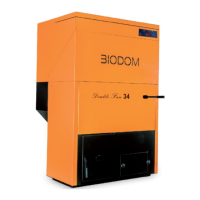
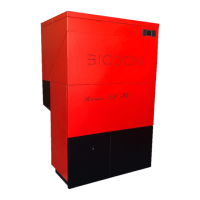
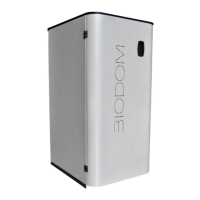
Biodom 33
Biodom 33Biodom 33
Biodom 33
|
| |
|
instructions for use, maintenance and installation |
instructions for use, maintenance and installation |
Press and hold to turn the boiler on/off.
Short press to return to basic display.
Button UP
Press during operation to increase set power.
When pressing MENU button beforehand, this button increases
temperature in the boiler. In menu mode, we select
desired submenu by pressing.
Button DOWN
Press during operation to decrease set power.
When pressing MENU button beforehand, this button decreases
desired water temperature in the boiler. In menu
desired submenu by pressing.
hort press in basic display shows set value of water temperature in
the boiler, which can then be modified with buttons
Press and hold for at least 2 seconds to
Press and hold for at least 4 seconds to enter advanced menu
settings. Subsequent pressing of the button display menu choices
to select parameters in submenus. Short press
MENU button and set value of parameter sta
then be modified with buttons + and -.
Short press ON/OFF button and hold MENU button to scroll all menu
choices and return to basic display.
When pressing MENU button beforehand, this button increases
temperature in the boiler. In menu mode, we select
When pressing MENU button beforehand, this button decreases
desired water temperature in the boiler. In menu
hort press in basic display shows set value of water temperature in
the boiler, which can then be modified with buttons
Press and hold for at least 4 seconds to enter advanced menu
settings. Subsequent pressing of the button display menu choices
to select parameters in submenus. Short press
Short press ON/OFF button and hold MENU button to scroll all menu


 To Next Page