15
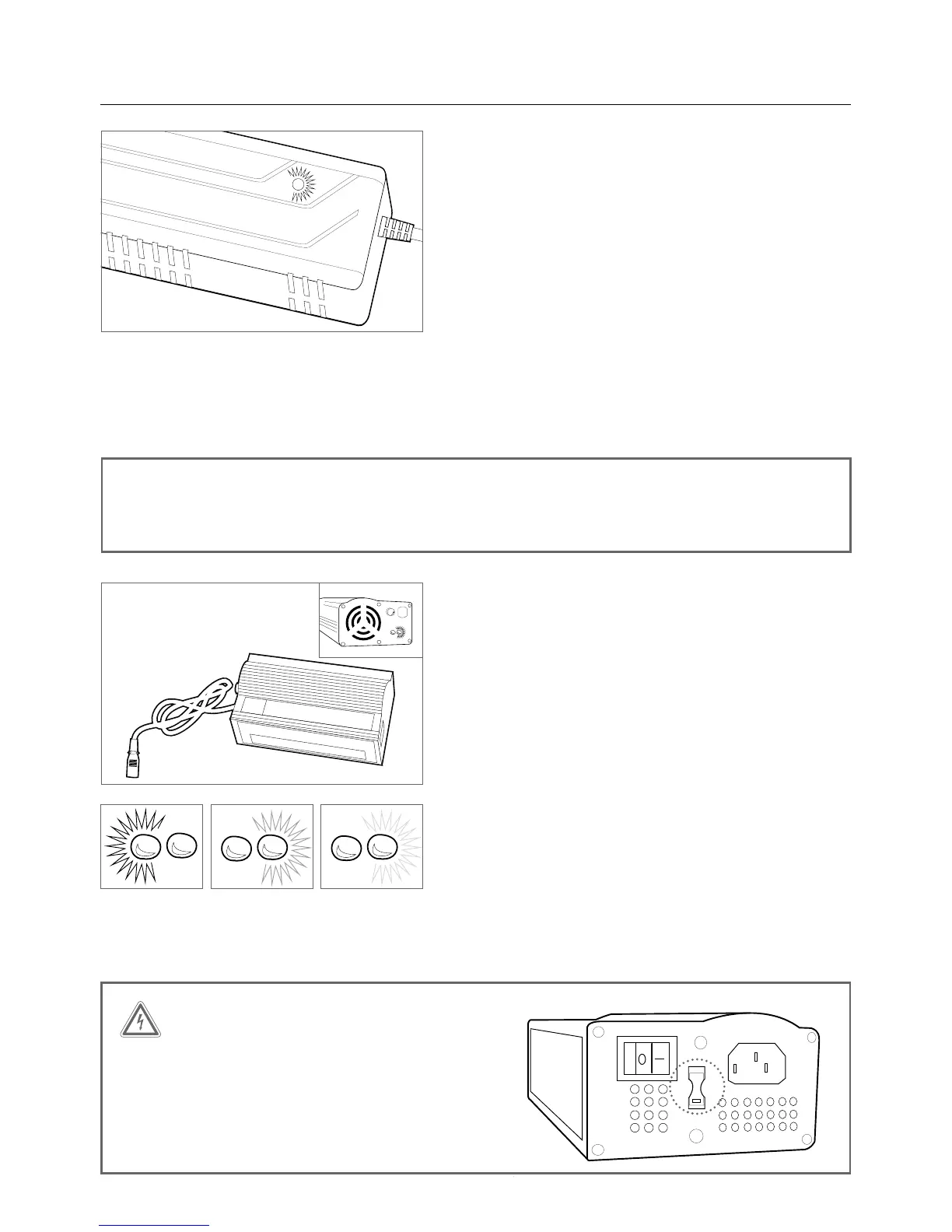
PL-250HT (EU) / PL-350HT (NA) systems charging
procedure, 2012 - present (single light charger)
• Connect the charger and battery by inserting the
charge connector into the charge port. The system
should be turned off
• Connect the plug of the charger with the power outlet
• The light on the charger will turn red automatically
• The same light will then turn yellow to indicate
charging, a fully depleted battery will take 4-5 hours
to charge
• The light will turn green, the battery is then fully
charged and the charging process is complete
• Following this procedure, the charger should be
disconnected
PL systems 22.2V, 26V, 37V charging procedure,
2011 and earlier (two LED charger)
• Connect the charger and battery by inserting the
charge connector into the charge port. The system
should be turned off
• Connect the plug of the charger with the power outlet
• The power switch must be set to ‘on’ and the red LED
will illuminate
• The LED to the right of the red LED will illuminate
yellow to indicate charging, a fully depleted battery
will take 4-5 hours to charge
• The right LED light will turn green, the battery is then
fully charged and the charging process is complete
• Following this procedure, the charger should be
disconnected
WARNING
Check input voltage when travelling with charger,
or using any outlet adaptor. Failure to adjust the
voltage switch on a two LED charger to the cor-
rect voltage range can result in damage to your
charger.



 To Next Page