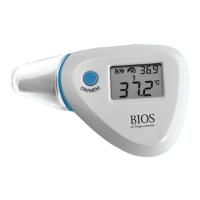
• This mode shows the actual, unadjusted surface temperatures,
which are different from the body temperature.
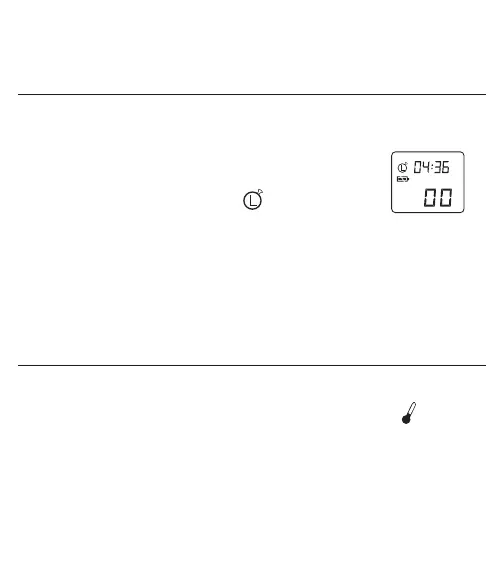
10. STOPWATCH MODE
1. Power On: Press the ‘ON/MEM’ button.
2. After the power is on, press and hold the ‘ON/
MEM’ button and then at the same time press the
‘SCAN’ button twice until the appears on the
display (see Figure 7).
3. To start and stop counting press the ‘SCAN’ button.
To reset press the ‘ON/MEM’ button.
NOTE: The stopwatch will run to a maximum of 3 minutes.
11. MEASURING THE ROOM TEMPERATURE
The room temperature is continuously displayed when the unit has been left idle
for more than 1 minute. It is shown on the display screen with the icon.
The temperature will be updated every 15 minutes.
• For a more accurate room temperature reading, the thermometer should
be placed on a table and away from direct sunshine or air conditioner
flow.
11



 To Next Page