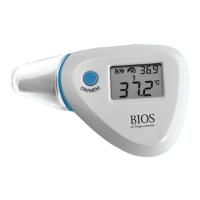
14. BATTERY REPLACEMENT
1. Open the battery cover located on the lower inner side of the
thermometer.
2. Hold the device and insert a small screwdriver or pen to remove the
existing battery.
3. Insert the new battery under the metal hook on the left side and press
the battery down until you hear a click.
4. Replace the battery cover.
15. SPECIFICATIONS
Temperature Measurement Range:
• Forehead / Ear Mode: 34°C to 42.2°C (93.2°F to 108°F)
• Scan Mode: -22°C to 80°C (-7.6°F to 176°F)
Operating Temperature Range:
• 10°C to 40°C (50°F to 104°F)
Storage Temperature Range:
• -20°C to 50 °C (-4°F to 122°F), RH ≤ 85 %
• Transportation temperature shall be less than 70 °C, RH ≤ 95 %
13



 To Next Page