31
STEP 3. Insert a code chip
HbA1c Test kit
Coding
The code chip provides the analyzer with important information on the production-
specic properties of the respective HbA1c test kit to measure your results accurately. The
code chip is required at least when a new test kit is opened. Before you use your analyzer
with a new test kits for the rst time, you should set the analyzer to “match” the test kits.
Code Setting
1. Make sure the analyzer is turned o. Remove old code chip if one is installed.
2. Insert a new code chip until it snaps into place.
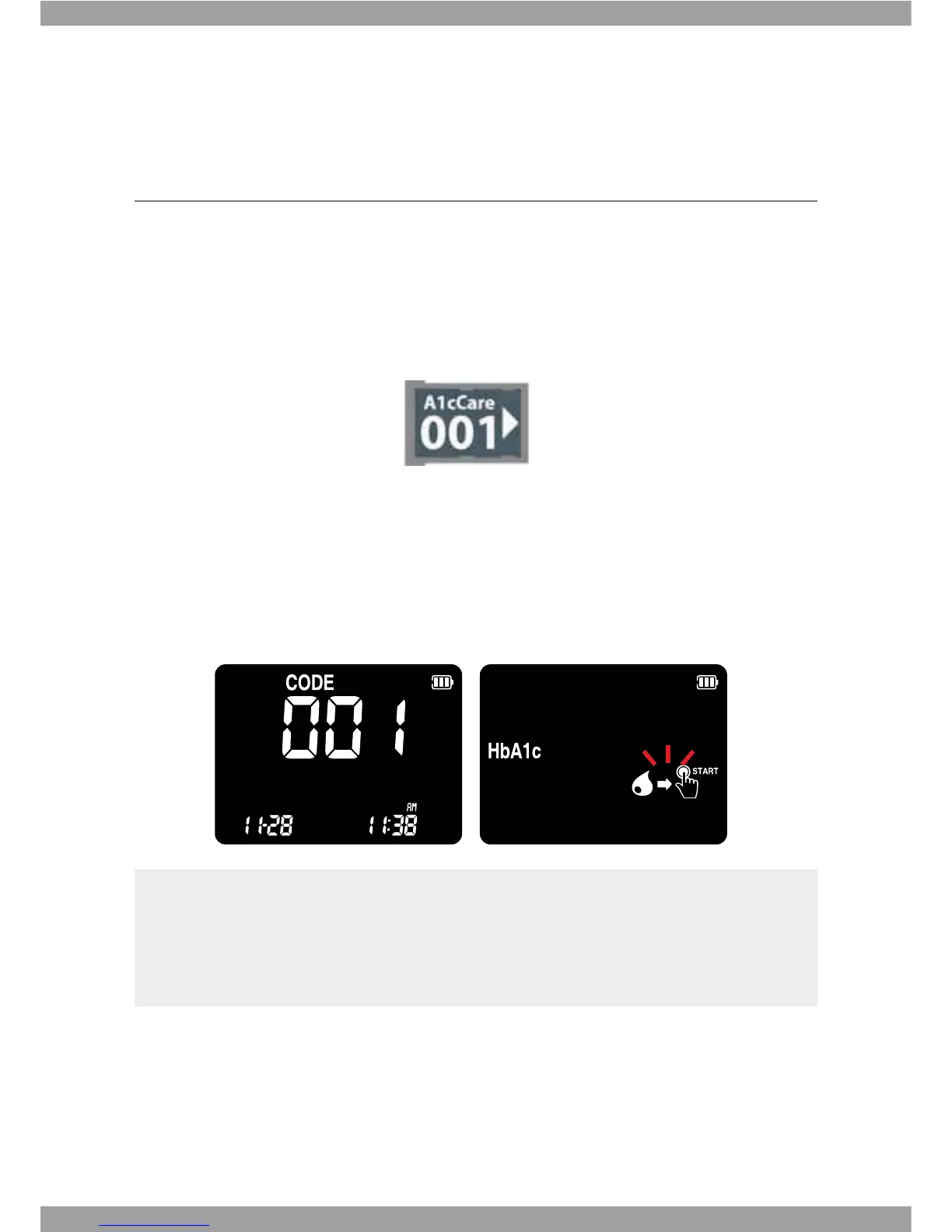
3. Turn the analyzer ON. A 3-digit code number of inserted code chip appears with
ashing test kit symbol. This number must match the information provided on the
test kit. If it does not, repeat steps the above 1~2.
t Do not forget to have the code chip, which is supplied with each test kit external
packaging before performing the rst measurement.
t Each code chip belongs to one particular test kit external packaging. If possible, store
the test kit together with the code chip in the external packaging.



 To Next Page