45
CHAPTER 4. Printing
How to Print
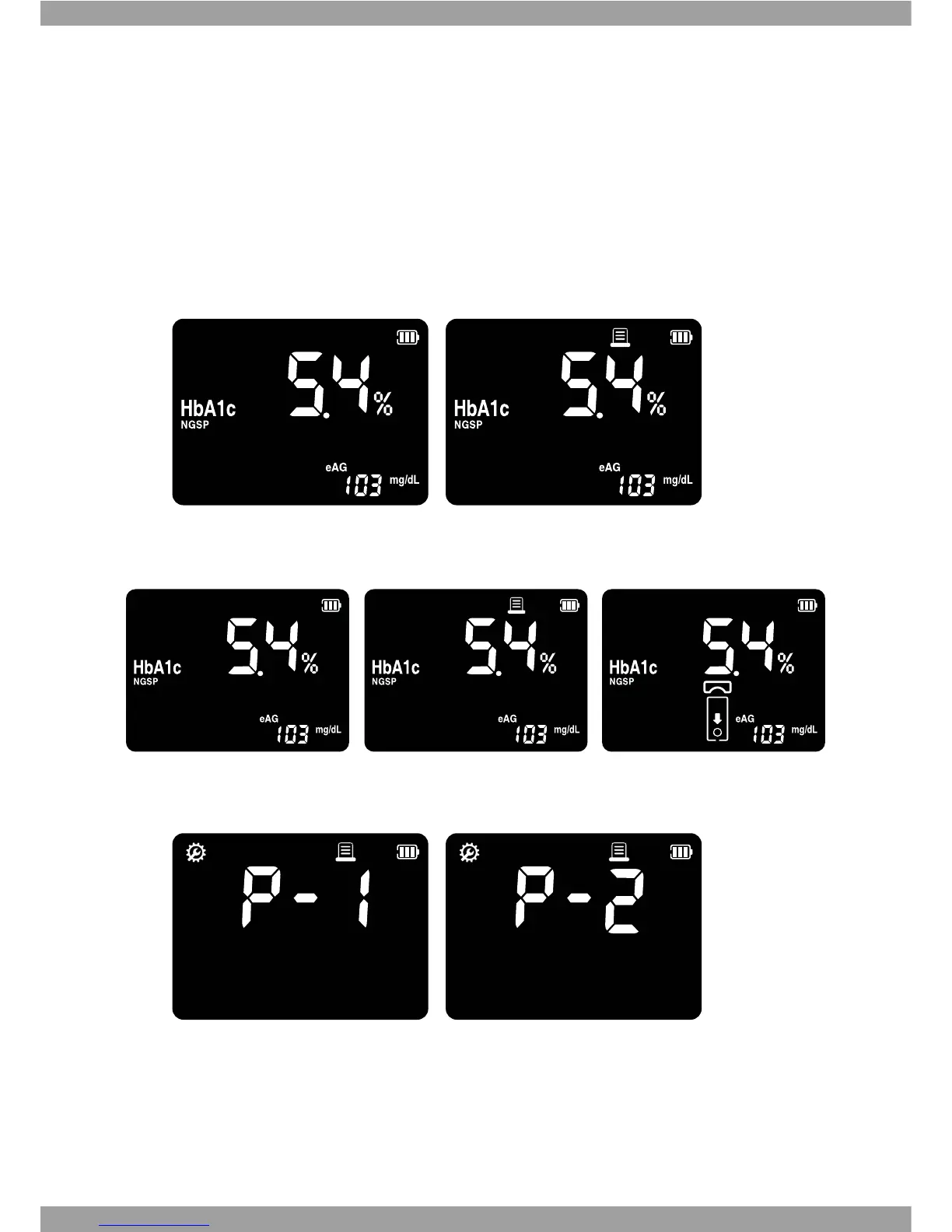
1. If you press SET/PRT button in any memory mode, then print the results with ashing
‘Printing’ symbol.
2. If you set Auto Printing function in setting mode, always display ashing ‘Printing’
symbol.
3. If you select one copy function in setting mode, the analyzer prints only one copy in
printing mode. If you select tow copy, the analyzer automatically prints two copies.
[ Print one copy function ] [ Print two copies function ]



 To Next Page