35
3. Performing HbA1c Test
Testing for HbA1c
Switching on the analyzer
1. Place the analyzer on a level surface. Switch on the analyzer by pressing the Enter
button or insert a HbA1c test panel.
2. In case of the analyzer has had a code chip for the specic HbA1c before power on, it
will enter the appropriate testing mode.
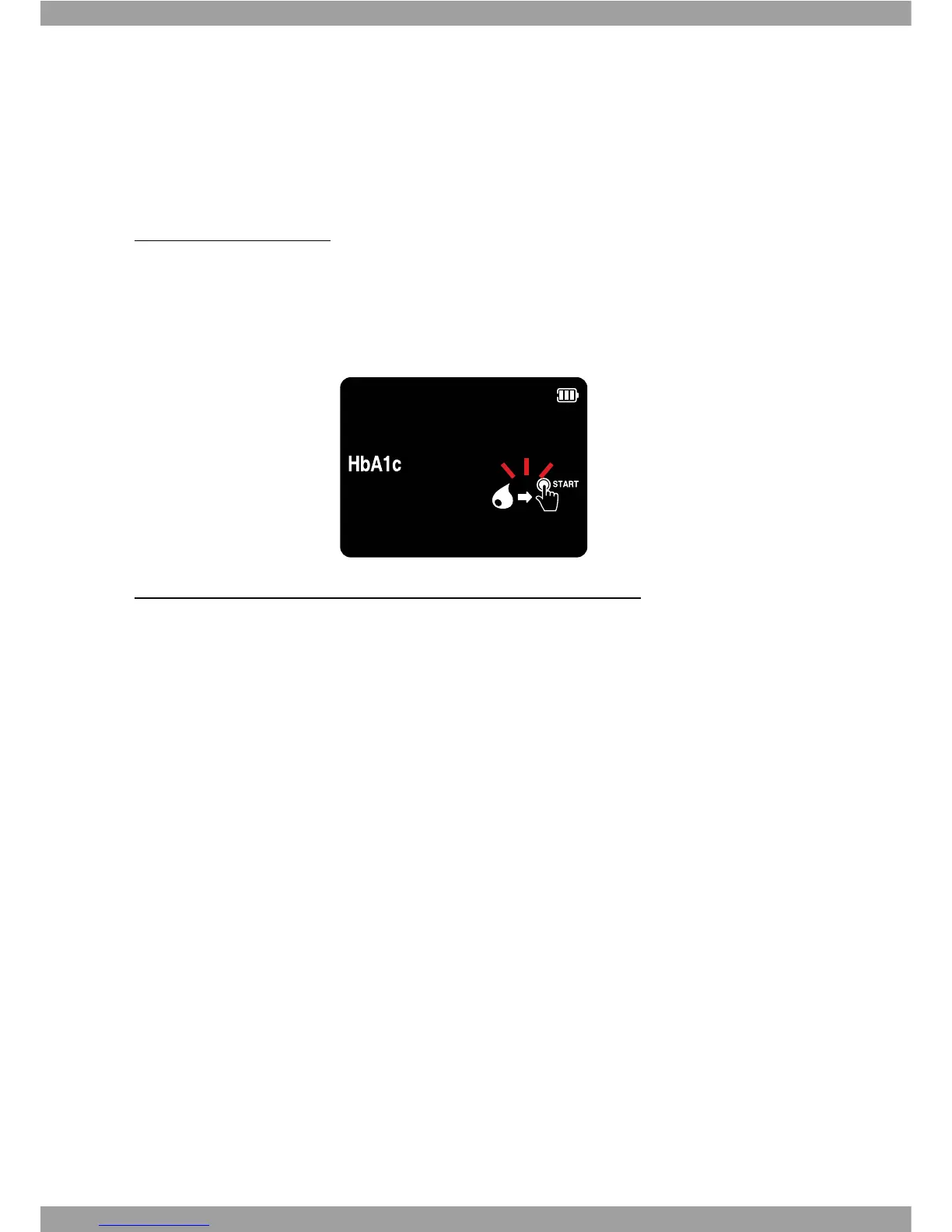
Check the following displays before performing the measurement:
t Are date and time correct?
t Does the battery symbol or connected AC adapter symbol appear?
t With HbA1c test kits, check the reaction area for discoloration before starting
measurement. If you detect discoloration, this test kit is unusable. For detailed
information, see the insert of the respective test kit.



 To Next Page