36
Performing a measurement Type A
<Type A>
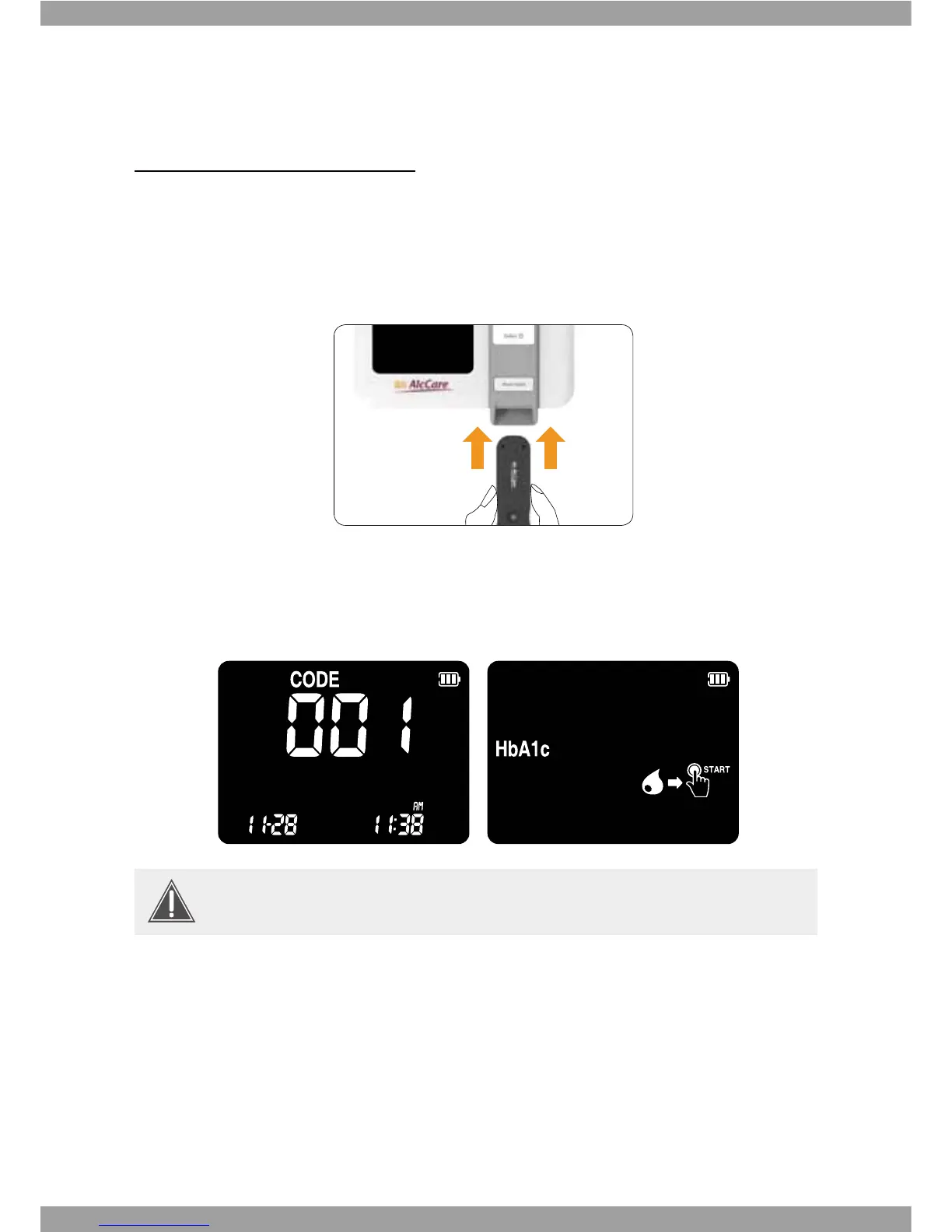
1. Prepare a test kit for the required measurement. Check the expiry date and Code
number of the test kit. Always use test kits before their expiry date has passed.
2. Hold the test panel with thumb and index nger so that blood apply part is facing
upwards.
3. Insert the test panel into the Test panel Slot of the analyzer. When the test panel
reaches the correct position, panel is automatically inserted deeper to the analyzer.
If the test panel is normal for test, the blood and START button icon displays. This is
blood waiting state.
4. 8JUIVTJOHV-QJQFUUFDPMMFDUUIFCVòFSTPMVUJPOGSPNUIFCVòFSCPUUMFBOEUIFO
BQQMZV-PGUIFCVòFSTPMVUJPOBUUIFMBUFYUVCF
This code number should match the code number of your test kit.



 To Next Page