42
CHAPTER 3. Using the Analyzer Memory
1. Memory Map
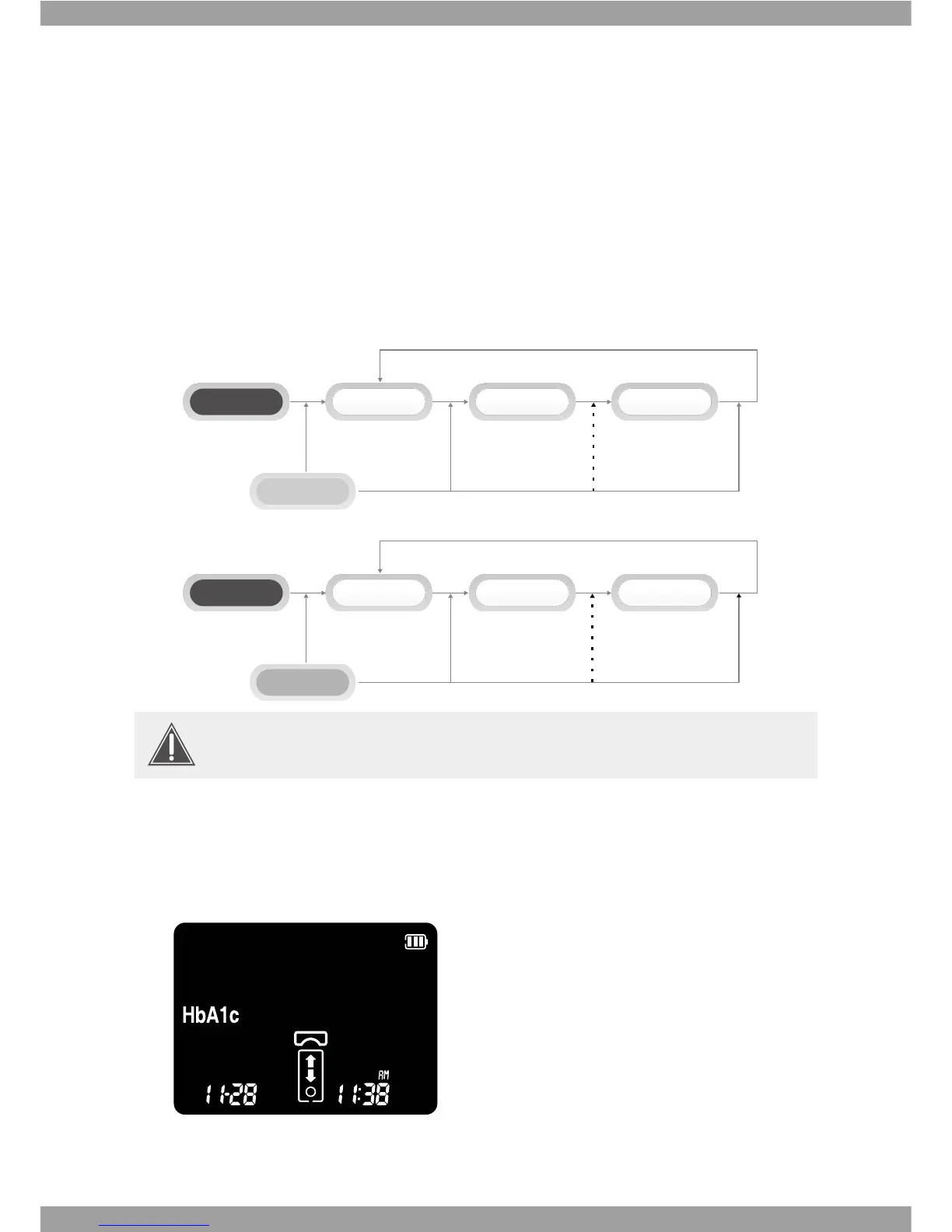
SD A1cCare™ analyzer has 1000 measured values together with date, time, and ags to
let you review them in order from the most recent to the oldest. If the memory is full
and a new result is added, the analyzer deletes the oldest result.
2. Displaying stored measured values
1. Switch on the analyzer, then press
ೞ
or
button in display mode ashing HbA1c
test kit symbol to enter memory mode.
8IFO-FGU#VUUPO
ೞ
is pushed, the latest data shows.
If the code chip is not inserted into the analyzer, no memories appear on the
display and '---' message appears.
Data
{ index=2}
Oldest Data
{ index=999}
Left Button
Latest Data
{ index=1}
Strip wait
Data
{ index=499}
Latest Data
{ index=1}
Right Button
Oldest Data
{ index=999}
Strip wait



 To Next Page