54
CHAPTER 9. Screen Messages and Troubleshooting
1. Warning messages
Indication Warning description
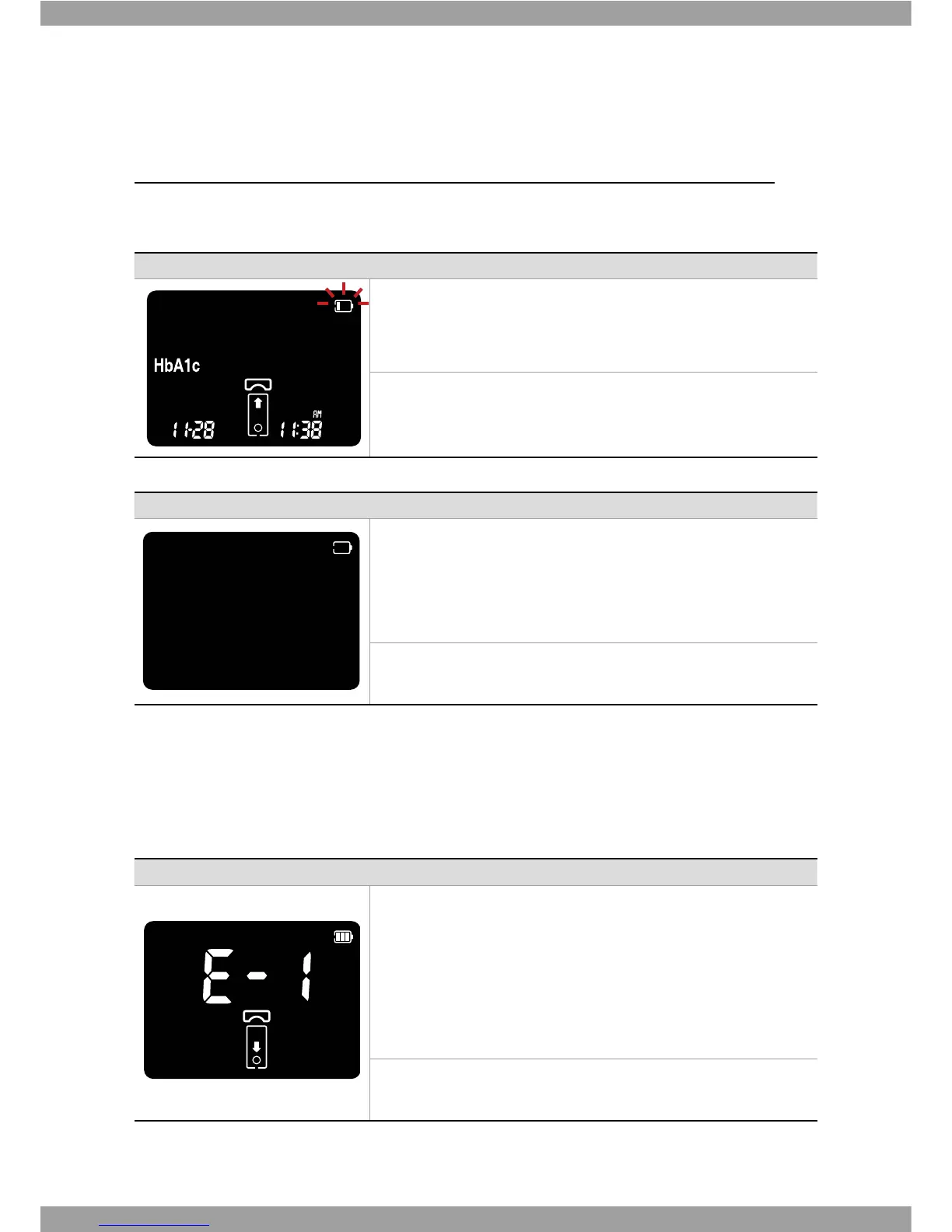
Warning: Low Battery
At this time, battery is getting low but you can still perform about 10
tests.
Solution
Replace the battery soon.
Indication Warning description
Warning: Replace Battery
Battery power is low.
If you press the Enter button after discharging of the battery, the
battery icon will flash and then after ten seconds the analyzer will
turn o automatically.
Solution
Replace the battery immediately.
2. Error messages
In certain circumstances error messages may appear on your display. Generally, you should
first try the solutions suggested for the respective error. If the problem persists, please
contact your local customer support and service center.
Indication Error description
Error: Test panel Error
Defective test panel or the test panel is damaged or inserted
improperly.
Solution
Discard this test panel and test again using a new test panel.



 To Next Page