55
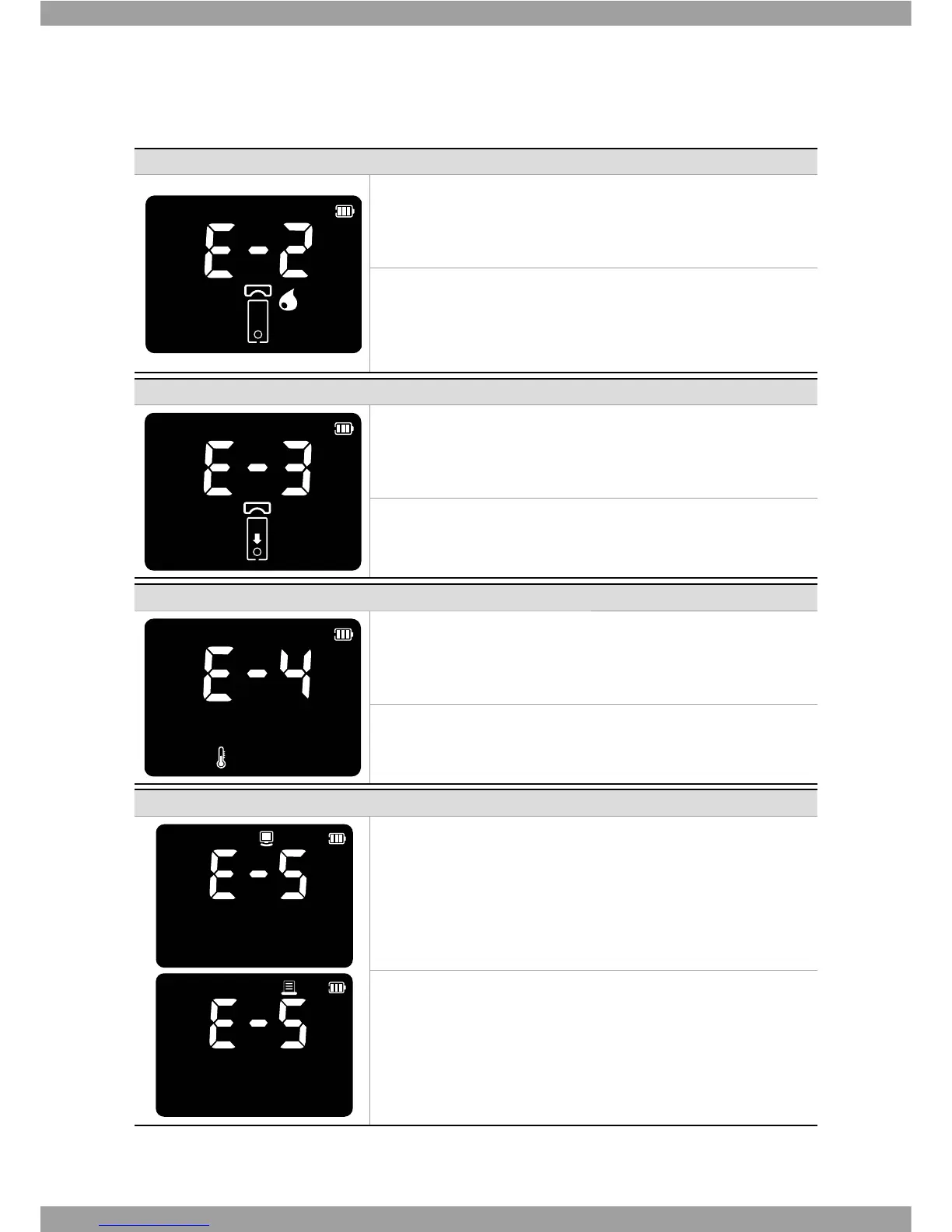
Indication Error description
Error: blood sample Error
An insufficient amount of sample volume was applied in the test
panel.
Solution
Discard this test panel and test again using a new test panel. When
UFTUBHBJOBQQMZUIFQSPQFSWPMVNFBCPVUV-PGTBNQMFNJYUVSF
Indication Error description
Error: Expired test kit
The test kits are expired.
Solution
Discard this test kit and test again using a new test kit does not past
expiration date.
Indication Error description
Error: Temperature Error Unknown barcode
If the environmental temperature is above or below the operating
range of a analyzer, a thermo analyzer icon will appear on the display.
Solution
Move to an area at 15-32°C(59-90°F), and perform a test. Do not
articially heat or cool the analyzer.
Indication Error description
Error: Communication Error
The communication between analyzer and computer or printer is
failed.
Solution
Connect again between analyzer and external device.
If the error continues turn o an analyzer. Then turn on the analyzer
again. If there is still error massage, please contact SD Biosensor, Inc.
5&-



 To Next Page