User’s Manual
28
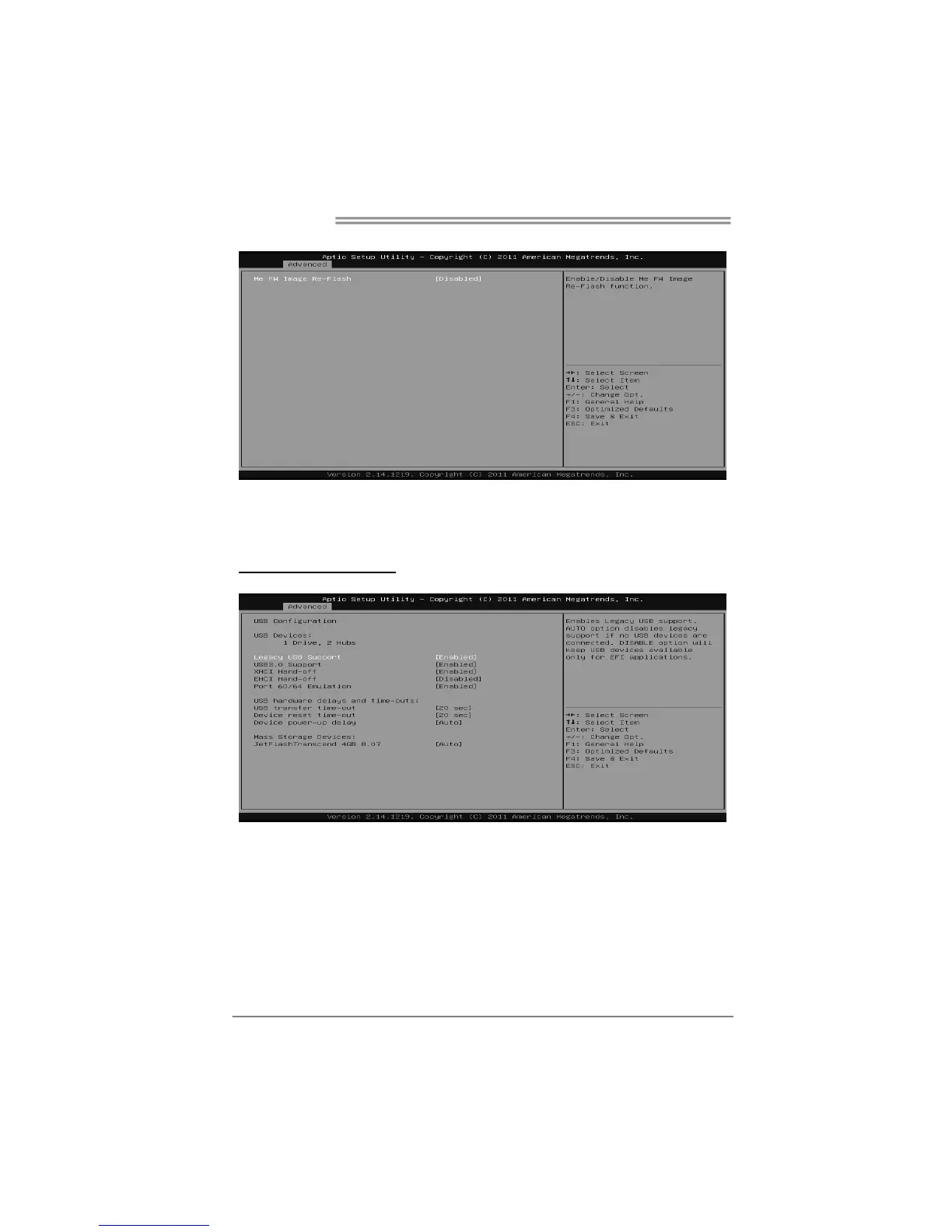
Firmware Update Configuration
Me FW Image Re-Flash
It enables/ disables Me FW Image Re-Flash function.
Options: Disabled (Default) / Enabled
USB Configuration
Legacy USB Support
This item determines if the BIOS should provide legacy support for USB devices
like the keyboard, mouse, and USB drive. This is a useful feature when using
such USB devices with operating systems that do not natively support USB (e.g.
Microsoft DOS or Windows NT).
Options: Enabled (Default) / Disabled / Auto









 To Next Page