TZ77B/TZ75B/T77 UEFI BIOS Manual
27
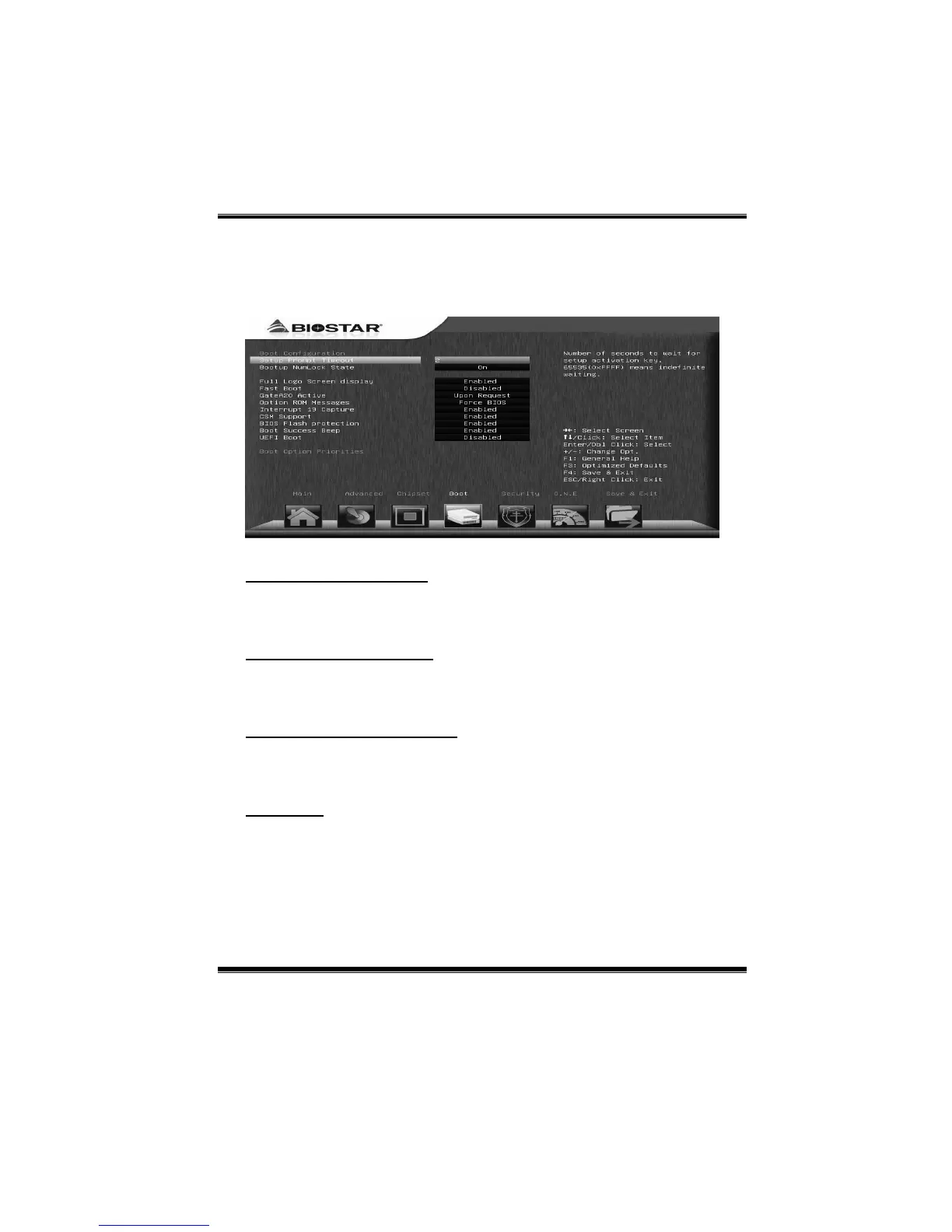
4 Boot Menu
This menu allo ws you to setup the s ystem boot options.
Setup Prompt Timeout
This item sets number of seconds to wait for setup activation key.
Options: 2 (Default)
Bootup NumLock State
This item s elects the keybo ard NumLock state.
Options: On (Default) / Off
Full Screen LOGO Display
This item allows you to enable/disable Full Screen LOGO Show function.
Options: Enab led (Default) / Disabled
Fast Boot
This item enables or disables boot with initialization of a minimal set of devices
required to launch active boot option.
Options: Disabled (Default) / Enabled



 To Next Page