TZ77B/TZ75B/T77 UEFI BIOS Manual
8
Wake up date
You can choose which date the system will boot up.
Wake up hour / Wake up minute / Wake up second
You can c hoos e the system boot up time, inp ut hour, minute and second to specify.
USB Device Wakeup from S3/S4
This item allo ws you to enable o r dis abled the US B res ume from S3/S4 function.
Options: Disabled (Default) / Enabled
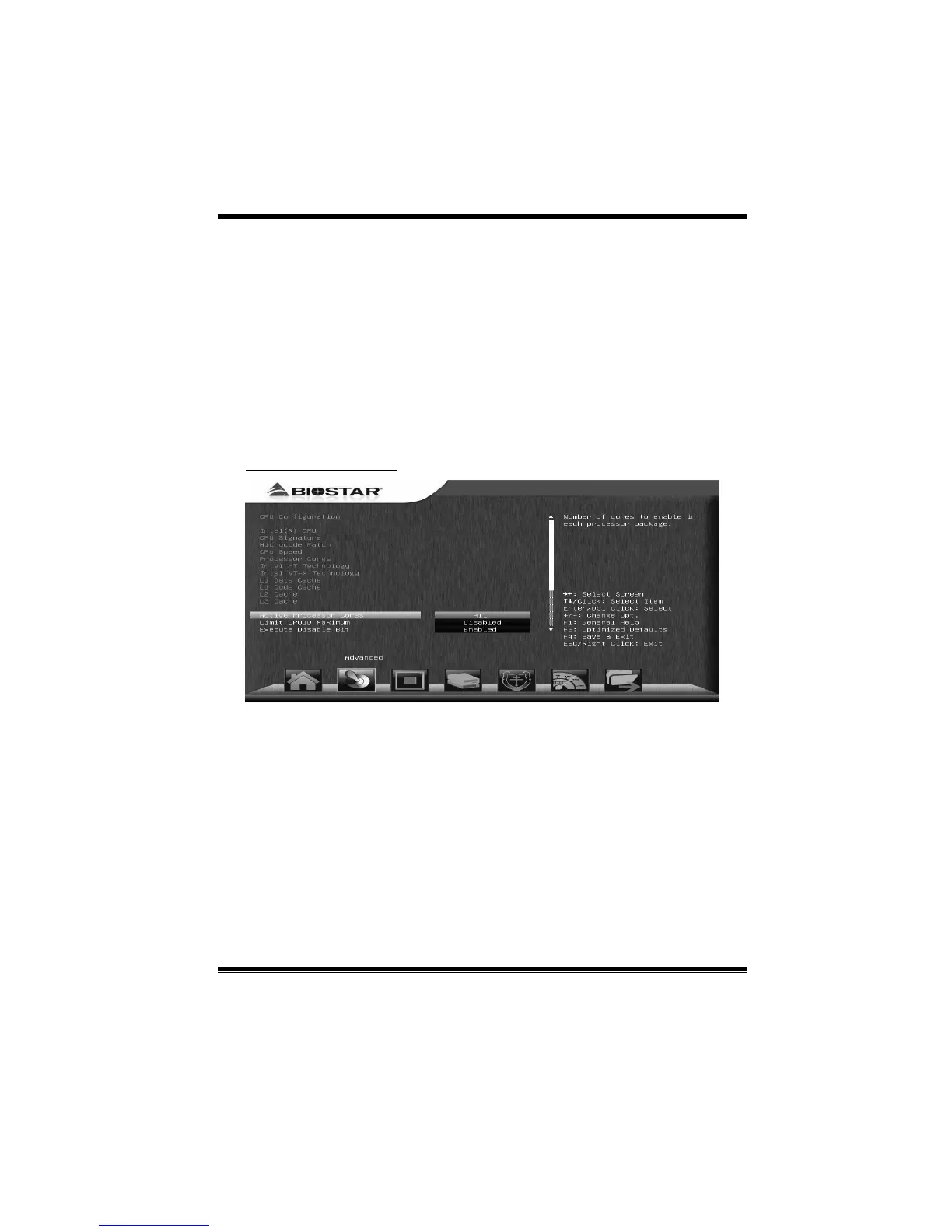
CPU Configuration
Active Processor Cores
This item sets number of cores to enable in each processor package.
Options: All (Default) / 1 / 2 / 3
Limit CPUID Max imum
When the comp uter is booted up, the operating system executes the CPUID
instruction to identify the processor and its capabilities. Before it can do so, it must
first query the processor to find out the highest input value CPUID recognizes. This
determines the kind of basic information CPUID can provide the operating system.
Options: Disabled (Default) / Enabled



 To Next Page