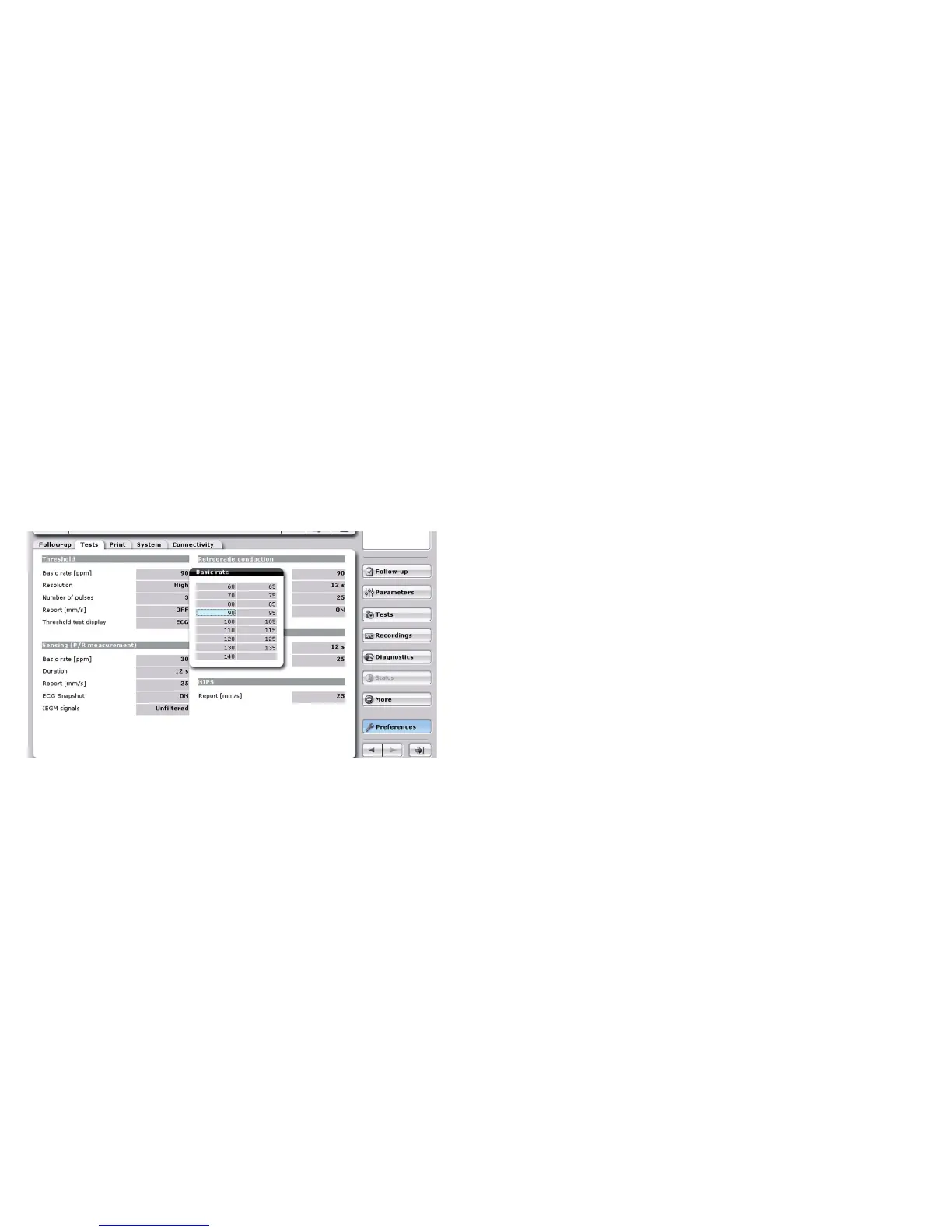
Adapting the settings
[Follow-up] tab: Configures which measurements and
tests are performed automatically during follow-up and how
the results are output.
[Tests] tab: Sets parameters affecting the test sequence
during follow-up.
[Print] tab: Configures a PCL compatible external printer
that is connected via a USB or Bluetooth adapter, or sets up
different printing profiles for printing the follow-up data.
[System] tab: Sets the time, daylight saving time (DST) or winter time,
date, language of the user interface and the help function.
[Connectivity] tab: Sets up communication connections
to other devices.
Select the
[Preferences] button in the navigator and then select the desired tab and enter your preferences.
Preferences



 To Next Page