Bird SiteHawk Operation Manual
43
Data Transfer Function
Data transfer from the SK-4500 may be accomplished using a USB Drive or via
Bluetooth transfer. For instructions on how to make transfers see
"Data
Transfer via USB Drive" on page 43
or
"Data Transfer via Bluetooth" on page
46
.
Data Transfer via USB Drive
Data can be transferred from or to the SiteHawk internal memory with the use
of an external USB drive and the USB adapter (supplied).
CAUTION
Do not connect the unit to a PC USB port.
File transfer must be done using a USB Drive.
1. Connect the USB drive to the USB adapter, then connect the USB adapter to
the USB-C port at the bottom of the unit.
2. Press Home key on the SiteHawk display.
3. Select the File Manager icon on the unit’s home screen.
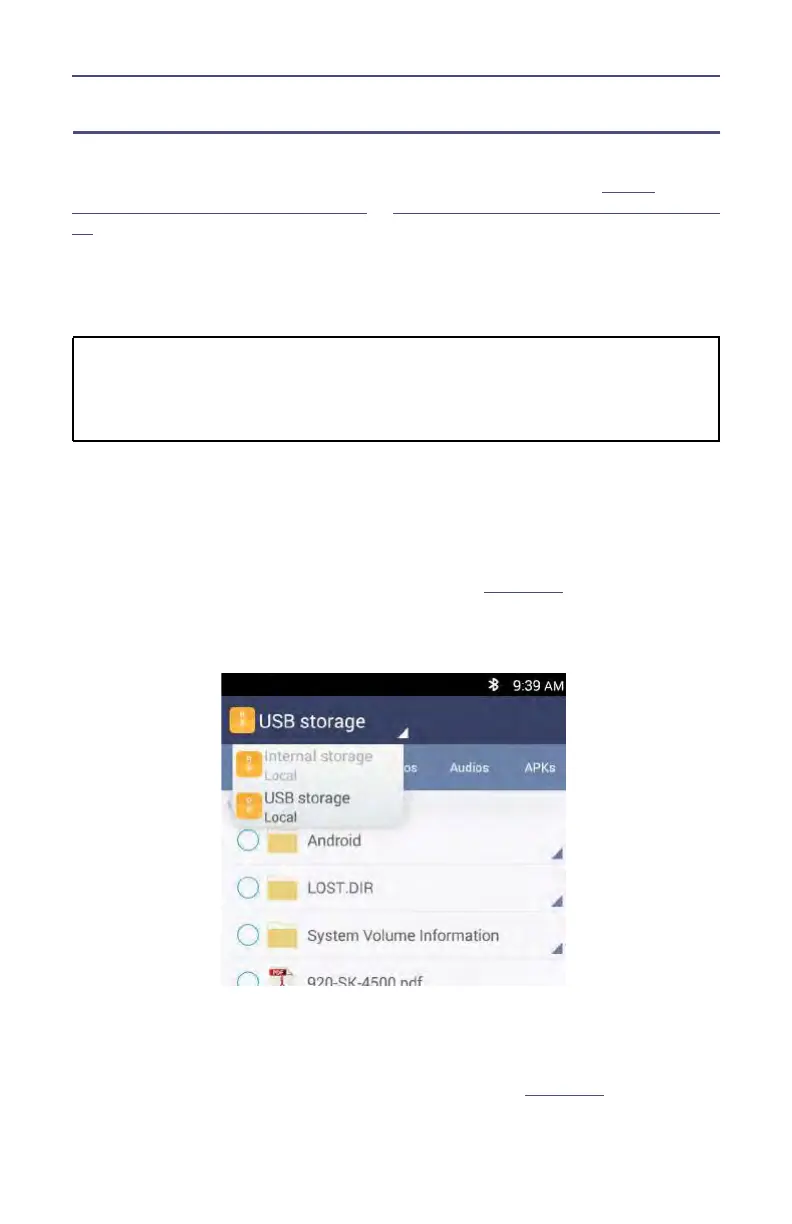
4. Select Internal Storage (SiteHawk Internal storage Local) from the drop-
down menu in the File Manager program. See
Figure 38
.
5. Navigate to the location of the file.
Figure 38 File Selection
6. Select the file to be copied.
7. Press the Copy icon.
8. Press the Home screen icon of the file manager.
9. Select USB Storage from the drop-down menu. See
Figure 39
.










 To Next Page