Rev. 1.00
3-4 Ribbon Installation
3-4-1 Type of Ribbon
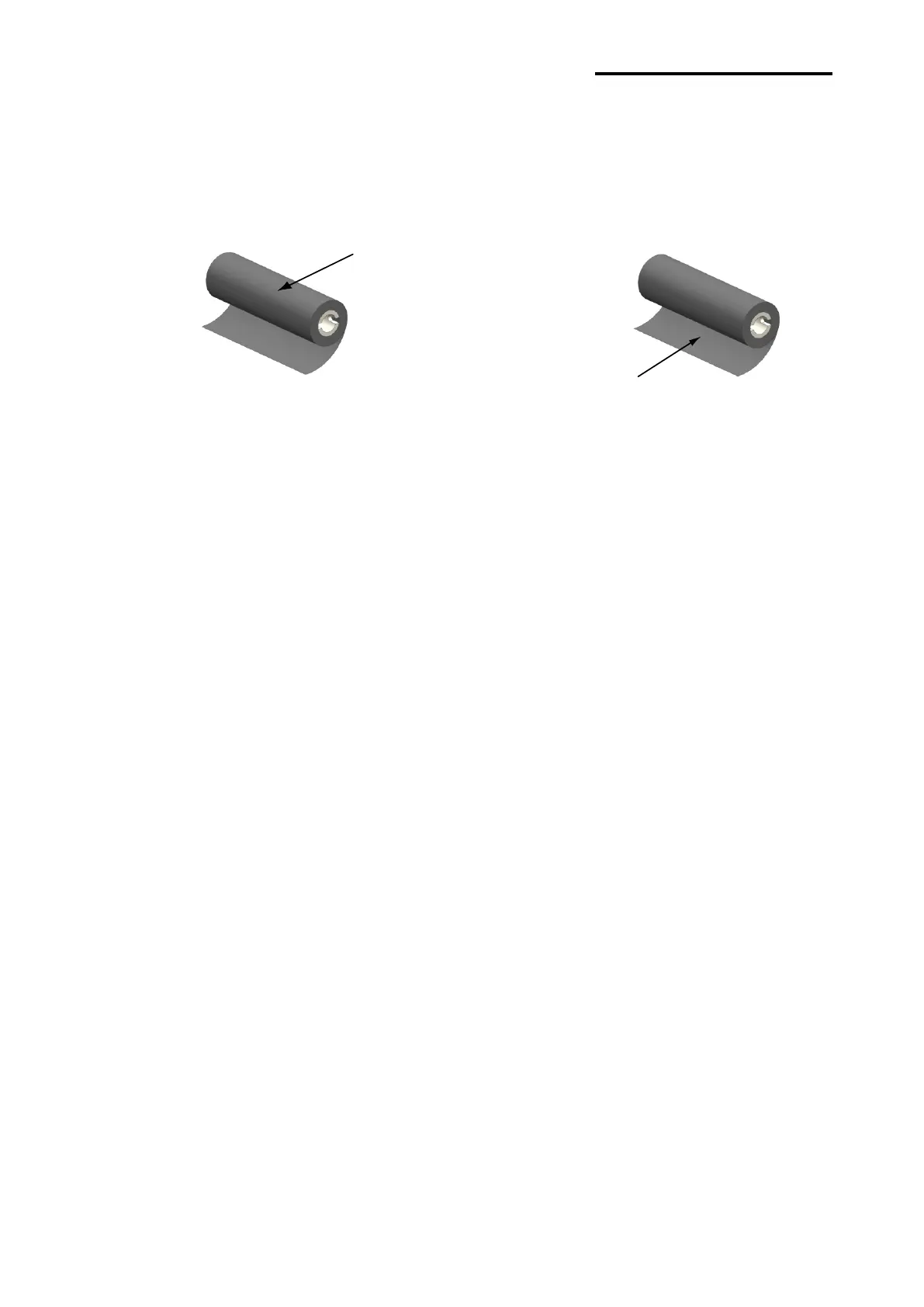
1) Type by Film Coating Location
- Take note before ribbon purchase that only ribbons facing outward can be used.
※ Note
- Follow the procedure described below to determine the coating surface of the ribbon.
• Ribbon test using adhesive material
- Perform contact test in order to determine which side is coated if there are useable
labels.
• Complete the following steps to carry out the contact test
- Remove the liner from the label
- Put a piece of adhesive surface of the label on the outer/inner surface of the ribbon,
and apply pressure.
- Remove the label from the ribbon
- Check whether adhesive surface of the label is stained by black ink ribbon.
Coated Area
(Surfaceto be
printed)
Coated Area
(Surface to be
printed)















 To Next Page