Rev. 1.00
5-11 Factory Reset
This function is used to reset the printer settings to factory default settings.
5-11-1 How to reset the printer
1) Press the Pause button for two seconds during Print Standby Mode.
2) Both LEDs will change to orange color and the printer will be set to Stand-alone
Configuration Mode.
3) Press the Feed button at the 3rd LED sequence as shown in section 5-2-2 (LED 1
Green/LED 2 Red-4 times Blink) to reset the printer to factory settings, and Smart
Media Detection function will be executed.
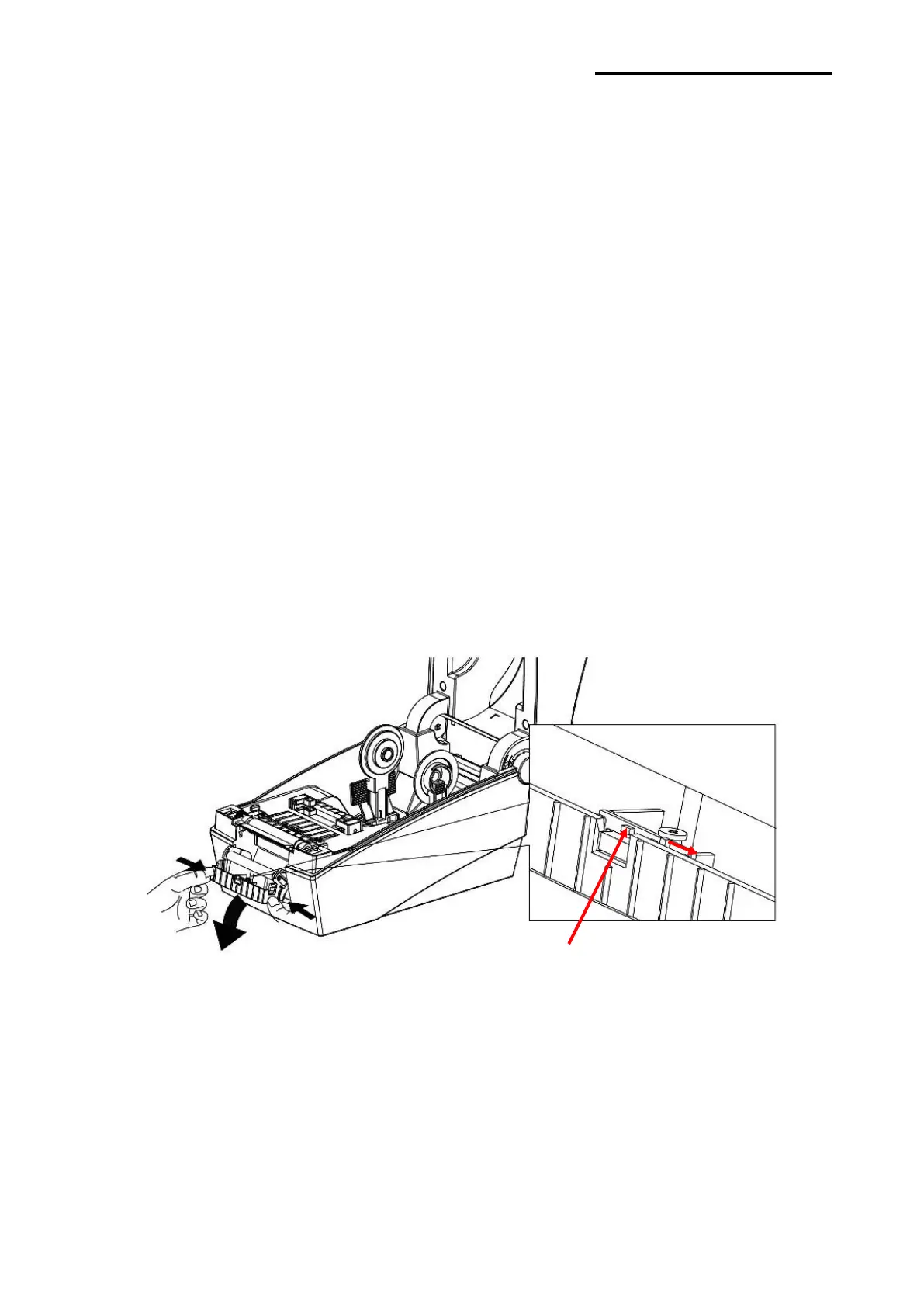
5-12 The Peel-Off (Option)
As a function that is used to peel-off labels, it is used only with label paper.
1) Open the paper cover.
2) Open the label peel-off cover and set the peeler switch to the ON position.
- Check to see that the LED has turned on.















 To Next Page