3. Installation & Usage
3-1 Power Connection
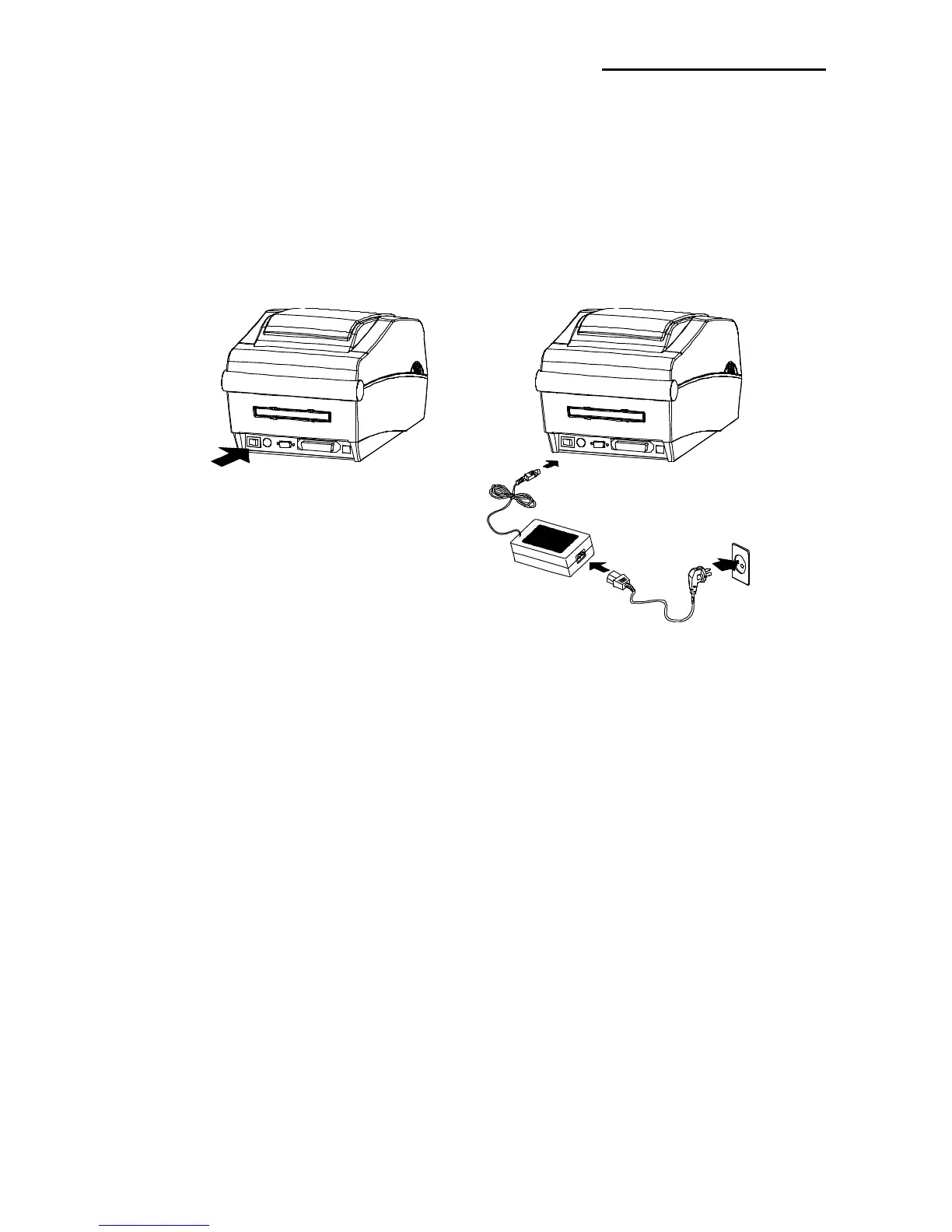
Connect power to the printer as shown below.
1) Turn off the printer power switch.
2) Check to see that the AC adapter voltage matches that of the power source.
3) Connect the AC adapter jack to the printer power connector.
4) Connect the power cord to the AC adapter.
5) Connect the power cord to a power source/outlet.















 To Next Page