EasyManua.ls Logo

BIXOLON SLP-TX400E - LED Display and Button Operations; Button Operations and LED Status

BIXOLON SLP-TX400E
37 pages
Print Icon
To Next Page IconTo Next Page
To Previous Page IconTo Previous Page
Loading...
Rev. 1.02
- 18 -
SLP-TX400x/TX403x
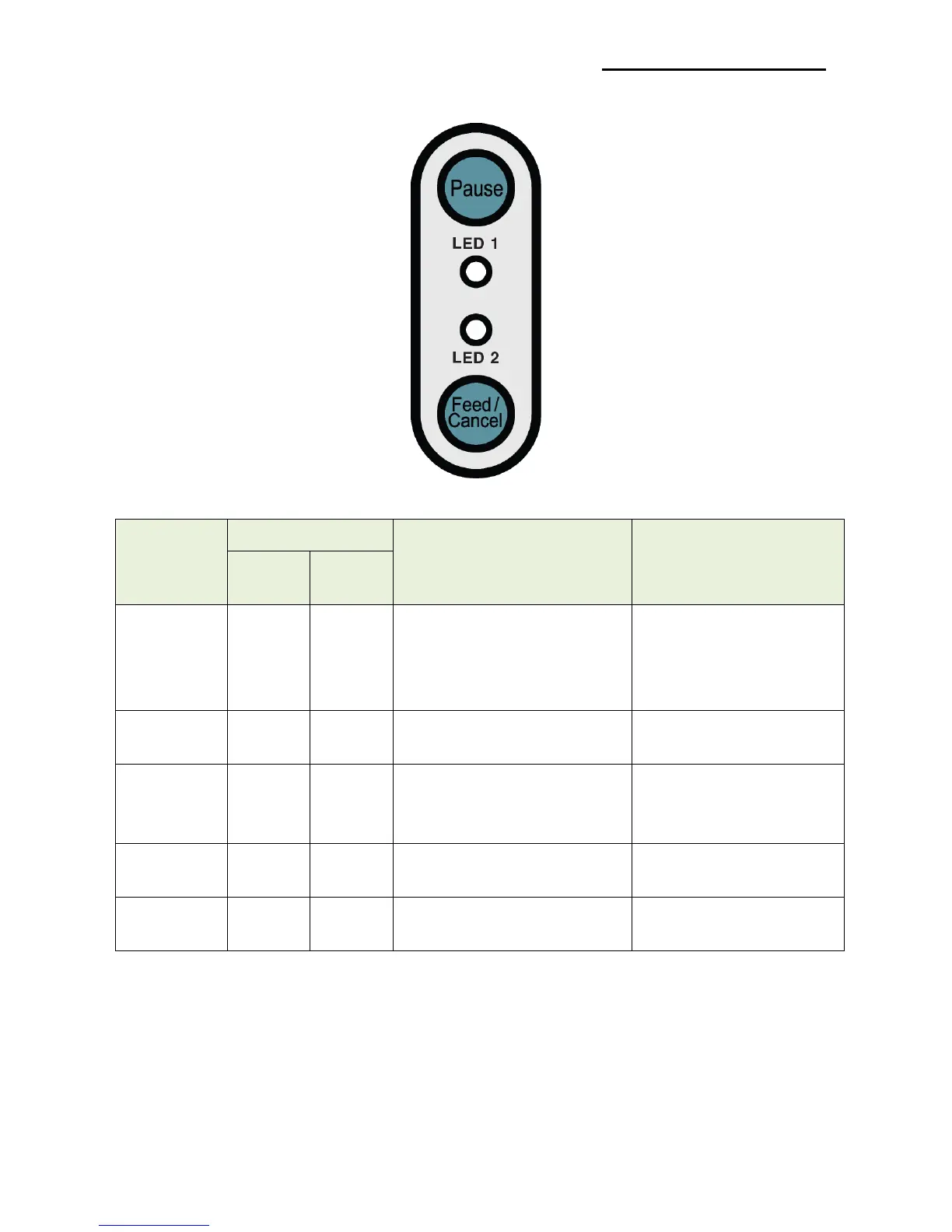
3-5 LED Display
3-5-1 Button Operations
Printer state
before
operation
Button
Operation procedure
Printer operation mode
Feed/
Cancel
Pause
Power OFF
Depress
-
Apply power while
depressing the button.
• Hold the button for about
five seconds.
Self-test Printing Mode.
Print
Standby
Depress
-
• Depress the button softly
and release it immediately
Feed Mode
Print
Standby
-
Depress
• Depress the button for two
seconds and continue to
hold
Stand-alone
configuration Mode
During
printing
Depress
-
• Depress the button softly
and release it immediately
Print Cancel Mode
During
printing
-
Depress
• Depress the button softly
and release it immediately
Print Pause Mode

Other manuals for BIXOLON SLP-TX400E

Related product manuals