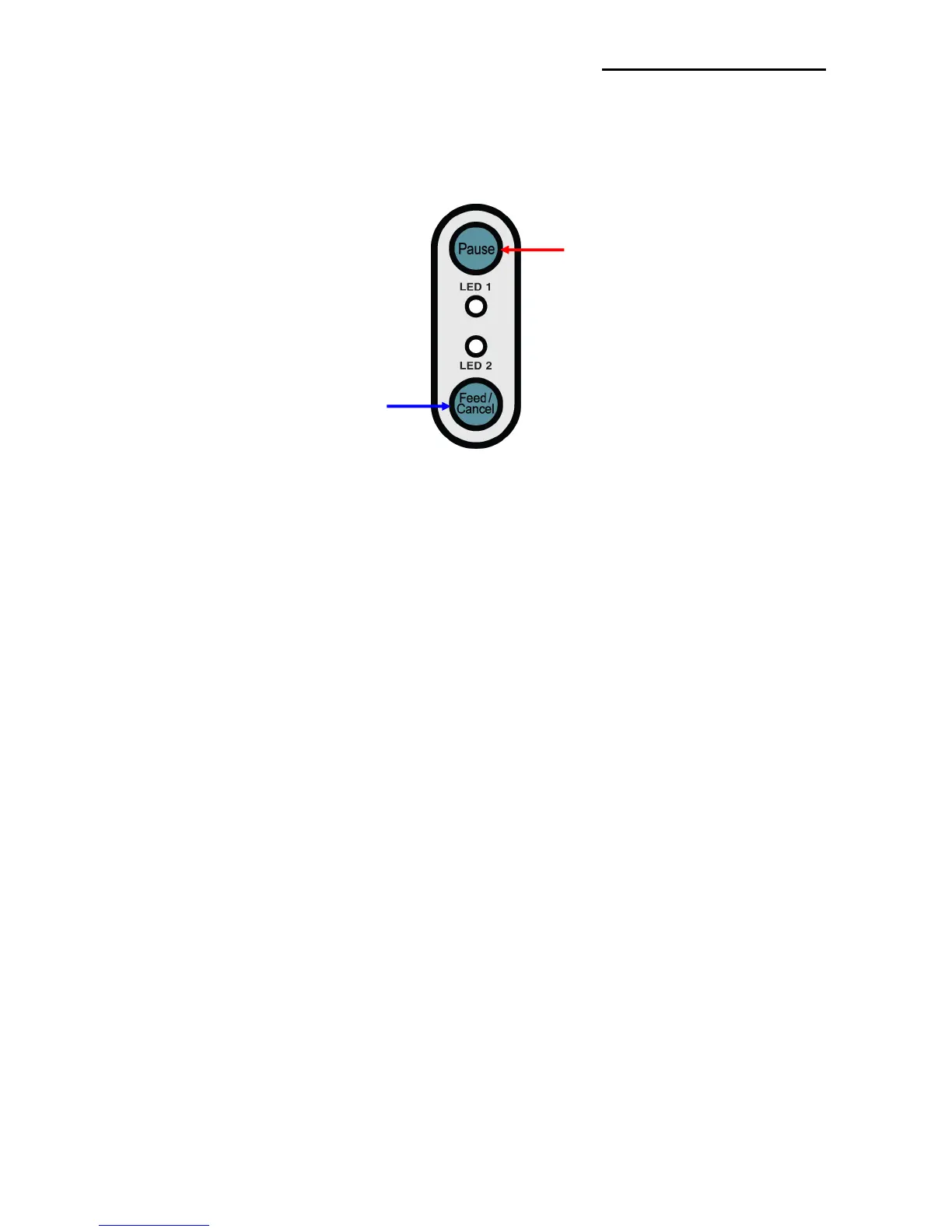
5-3 Pause/Cancel
During multiple-page print jobs, the Pause and Cancel button can be used to temporarily
cease printing and cancel the print job altogether, respectively.
5-3-1 Pause/Resume Function
1) When printing labels, pressing the Pause button
2) The printer will pause after finishing the current label printing and the status of LED will
be as follows.
- LED 1: Green Blink
- LED 2: Red On
3) While the print job is paused, press the Pause button again to resume printing.
5-3-2 Print Cancellation
1) During label printing and/or pause mode, pressing the Cancel button enters the print
cancellation mode.
2) The following processes occur in the print cancellation mode.
- All label printing cancelled
- All data received in the printer communications buffer deleted.
- All received data deleted.
3) The LED Status in the print cancellation mode can be as follows.
- LED 1: Green On
- LED 2: Red Blinking
4) While in the print cancellation mode, press the Cancel button again to return to print
standby mode.















 To Next Page