5-3 Web browser
Mobile printer supports the security enhanced https protocol as well as http. When SSL of
the webserver of printer is enabled, you must enter the address with “https” instead of
“http” in the address bar to connect to the web-server.
(Automatic connection will be made when connecting with the configuration tool.)
When SSL of the web-server is enabled,
* a security warning window will pop when you try to connect with https.
Accept the certificate provided by the printer in the warning window and continue.
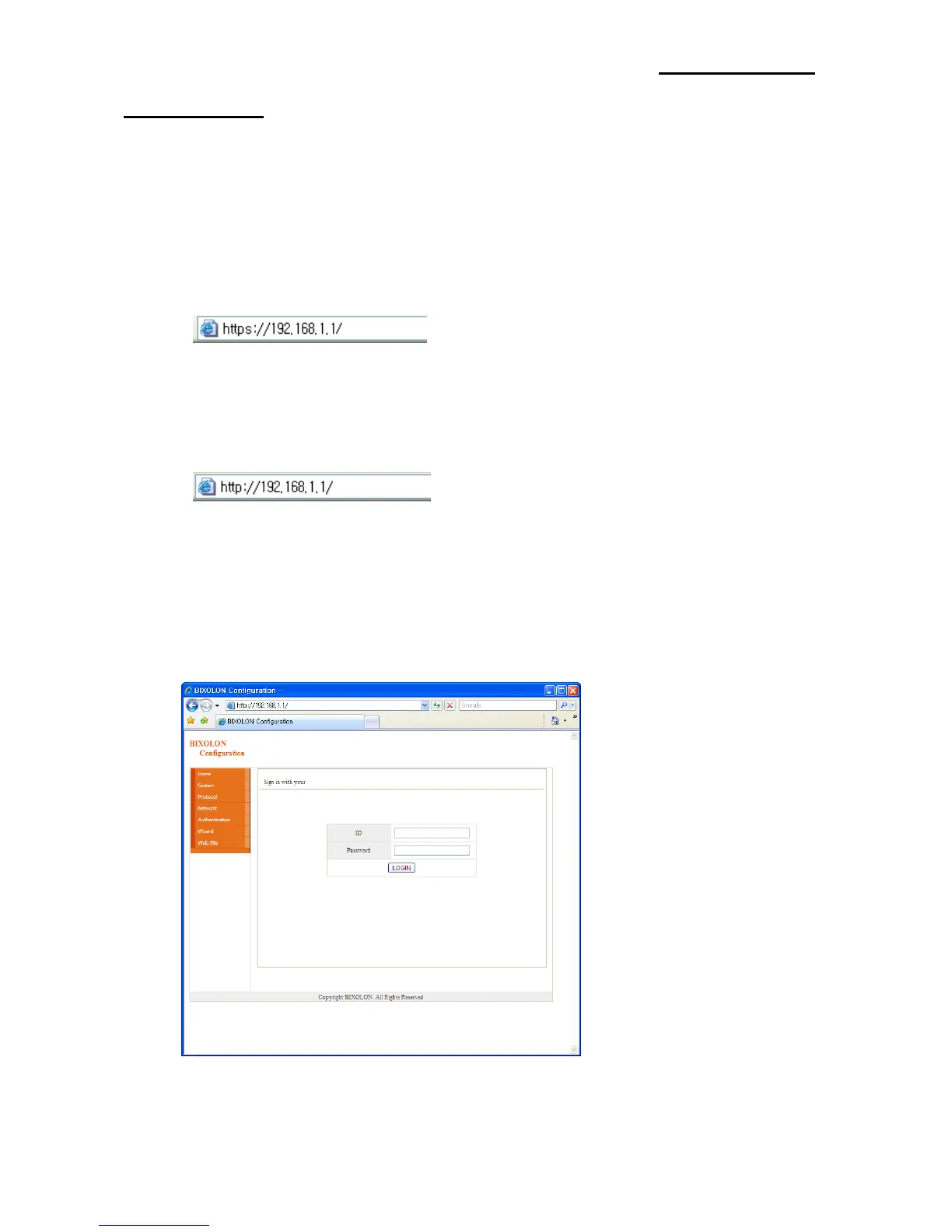
When SSL of the web-server is disabled,
enter the IP address of the printer in the address bar, and the following login window will
pop up.
Enter the ID and Password set for the printer, and then click [OK]
(Default setting values are ID: “admin”, Password: “password”.)



 To Next Page
 Loading...









