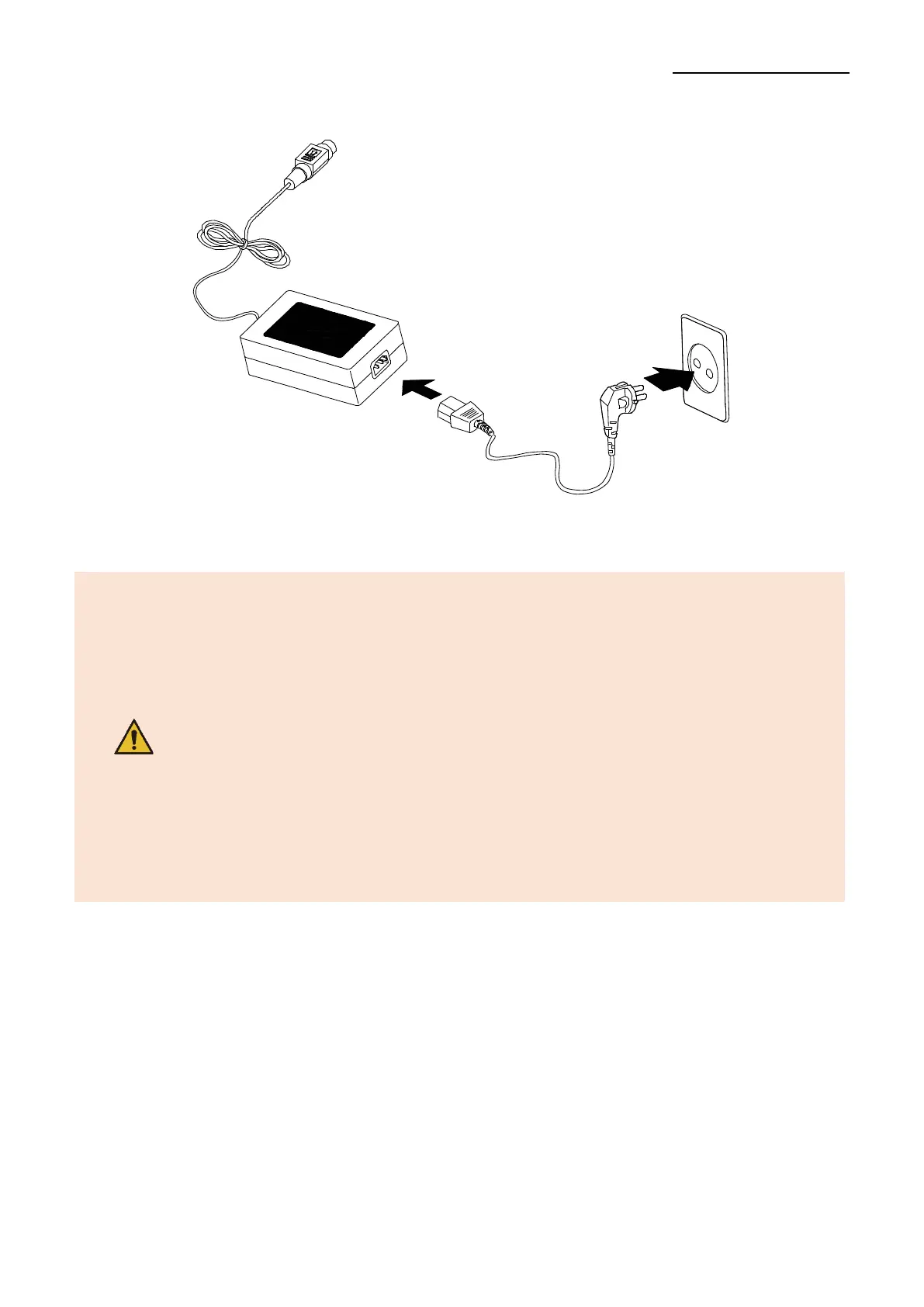
3) Connect the power cord to the AC/DC adapter and plug it into the power outlet on the
wall.
4) Press the “ON” switch to turn on the printer.
- Be sure to turn off the printer and connect or disconnect the cable.
- Only use a power supply provided by BIXOLON. BIXOLON shall
bear no responsibility for damage caused by using a third-party
power supply.
- Check the power supply’s label to check its electronic specs.
- When removing the power supply, make sure you have a firm
grasp of the plug terminal of the power jack and the printer
and pull horizontally.
- When connecting or disconnecting power, make sure to remove
the power supply from the power outlet before removing.
- Pay attention to the direction in which you insert the power cord.
- Do not connect a voltage out of the specifications of the power
supply. It can cause damage to the product or a fire.



 To Next Page