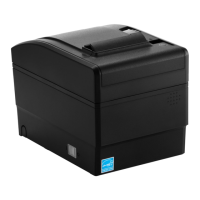
SRP-S300
Ver. 2.00
3. Installation & Usage
3-1 Printer Installation Placings
- Allow sufficient space around the printer for proper ventilation.
- Do not place objects close to the back or bottom of the printer, which may hinder
the air circulation.
- Install the printer on a flat and level surface.
- Avoid humid environment.
- Install in a place that does not exceed the protocol standard of the wireless
communication or the specified maximum distance.
- For stable wireless communication, install in a place where there is no physical
obstacle (wall, object, etc.).


 To Next Page
 Loading...