EasyManua.ls Logo

Bizerba EC II 200 - User Manual

Bizerba EC II 200
81 pages
Print Icon
To Next Page IconTo Next Page
Loading...
EC II 200
EC
II 100
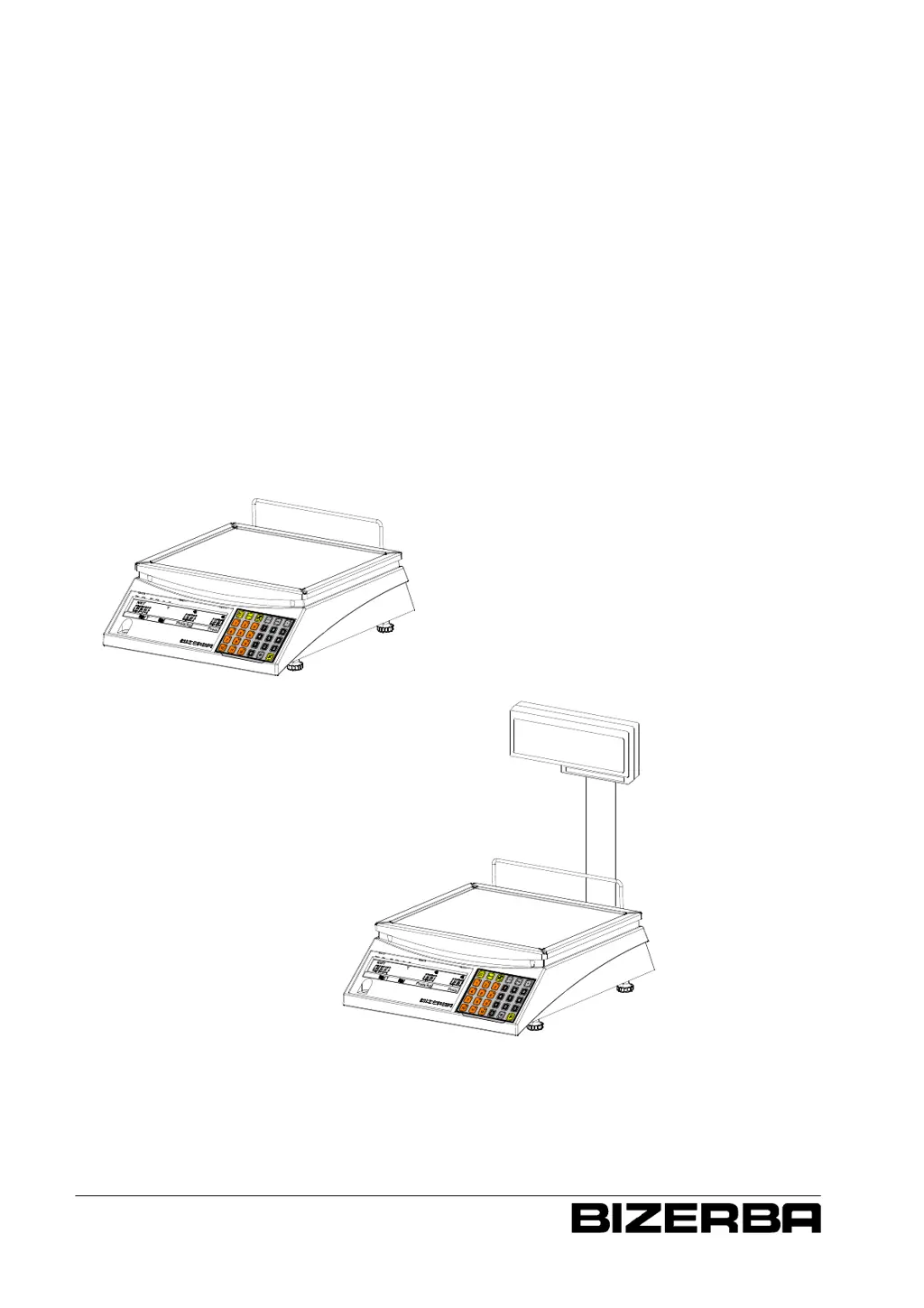
Retail scale EC II
Economic Class II
Operating instructions
as of program version 2.10
6.107.98.5.01.44

Questions and Answers

  • N
    Nicole GarrettAug 6, 2025
    What to do if the weight value display is not on zero or not stable on my Bizerba EC II 200 Scales?
    • A
      Anna KellyAug 7, 2025
      If the weight value display on your Bizerba Scales is not zero or stable, there might be a few reasons. First, check if the load plate is properly attached and clear of any foreign objects or dirt. Clean the load plate if necessary. Also, ensure the scale is level. After checking these, switch the scale off and then back on.
  • J
    jerry60Aug 22, 2025
    Why does the display not light up on my Bizerba EC II 200?
    • D
      David VazquezAug 22, 2025
      If the display of your Bizerba Scales does not light up, the issue might be related to the power supply. Check the direct plug-in transformer unit and ensure it is properly connected. Also, inspect the connector for the direct plug-in transformer unit or connecting cable. If the scales use rechargeable batteries, check their status and charge them if necessary. As a last step, try switching the scale off and then back on.

Summary

About These Instructions

Warning Levels and Meanings

Details danger levels and their associated meanings for safety.

About the Device

Required Operating Conditions

Specifies environmental and operational conditions for device use.

Mains Power Supply Requirements

Details mains power supply specifications and interference suppression.

Safety Instructions

Operating Personnel Requirements

Defines qualifications, training, and responsibilities for device operators.

System Risk Identification

Identifies potential risks and necessary safety precautions.

Installation Procedures

Installation and Assembly Steps

Procedures for installing and assembling the weighing device.

Conditions for Installation Location

Specifies environmental requirements for the installation site.

Electrical Terminal Checks

Procedures for power supply connection and interference suppression.

Device Commissioning Process

Procedure for initial setup and handover by authorized personnel.

Operating the Scale

Tare Functions Overview

Explains various methods for taring the scale.

Tare Balancing with Unknown Tare

How to tare an unknown weight (e.g., empty container).

Tare Balancing with Known Values

Procedures for taring with pre-defined tare values.

Programming the Scale

Product Maintenance Menu (Pr 1)

Details on managing product data (PLU) like unit price and tare.

Configuration Menu (Pr 5)

Configuration options for keypad, display lighting, and functions.

Commissioning Menu (Pr 6)

Procedure for factory reset and initial setup.

Troubleshooting Guide

Fault Description and Rectification

Lists common faults, their causes, and steps for resolution.

Interpreting Scale Error Messages

Explains error codes displayed by the scale and how to address them.

Technical Data

Power Supply Specifications

Details electrical specifications, voltage, and frequency requirements.

Bizerba EC II 200 Specifications

General IconGeneral
BrandBizerba
ModelEC II 200
CategoryScales
LanguageEnglish

Related product manuals