17
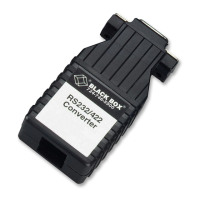
In most modular RS-422 applications, you’ll need to
run a “crossover” cable between the Converter and the
other RS-422 device. This cable should be pinned as
shown below for the IC630A models, and as shown on
the next page for the IC631A models, with the
XMT→RCV wires in one pair and the RCV←XMT wires
in another pair:
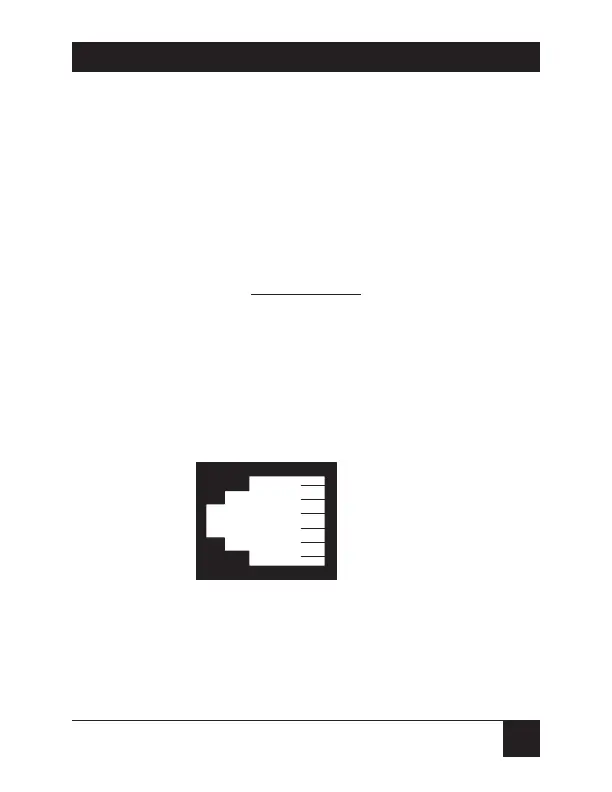
IC630A: RJ-12*
Lead/ Pin Pin Pin Pin Lead/
Signal* No.* Color† Color† No.* Signal*
XMT+ 3 Green ...............................Black 5 RCV+
XMT– 4 Red ................................Yellow 2 RCV–
RCV+ 5 Black ...............................Green 3 XMT+
RCV– 2 Yellow ................................Red 4 XMT–
*If the cable is shielded, you can attach one end of the shield to GND (ground, Pin 1 or
Pin 6). Do not run wire from a ground at one end of the cable to a ground at the other
end; the Converter does not reference ground for RS-422 data transmission and you
could create an electrical “ground loop” that could severely damage your equipment.
†These are standard AT&T
®
color codes. The RJ-45 connectors on your cables or
other equipment might have different-colored pins.



 To Next Page