27
CHAPTER 4: Installation
4.2 Connecting Devices or Cables to the RS-232 Interface
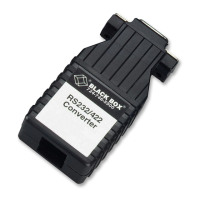
Once you’ve connected the RS-422 or RS-530 cable, and
(for IC470A through IC472A models) have configured
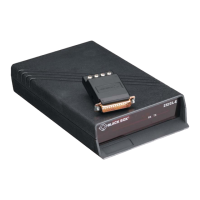
the Converter for DTE or DCE, simply plug the
Converter directly into a DB25 or DB9 serial port on the
RS-232 device. After doing so, remember to insert and
tighten the two captive screws (“screwlocks”) on the
connector.
NOTE
If you must use a cable to connect the Converter to the
RS-232 device, make sure it is a straight-through-pinned
cable of the shortest possible length. We recommend the
cable not be more than 6 ft. (1.8 m) long.
Refer to Appendix B for pinouts of the Converter’s
RS-232 interfaces.



 To Next Page