12
1. 8 7 7. 8 7 7. 2 2 6 9 BLACKBOX.COM
NEED HELP?
LEAVE THE TECH TO US
LIVE 24/7
TECHNICAL
SUPPORT
1.877.877.2269
CHAPTER 3: INITIAL CONFIGURATION OF THE SWITCH
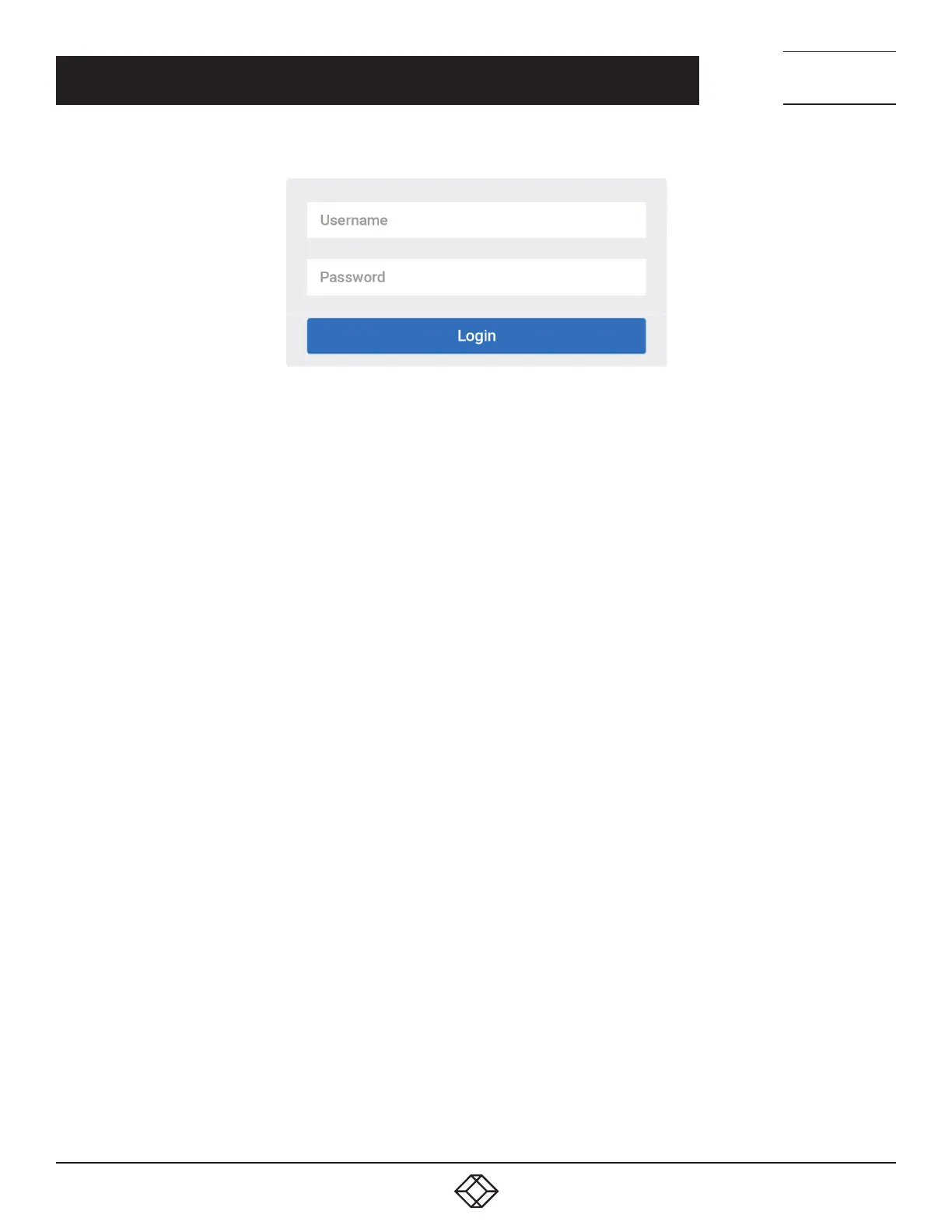
FIGURE 3-1. WEB INTERFACE LOGIN PAGE
If you do not see the login page, perform the following steps:
Refresh the web page.
Check to see if there is an IP conflict issue.
Clean browser cookies and temporary internet files.
Check your PC settings again and repeat step 2.
6. Enter the factory default username and password in login page. Click “Login” to log into the switch.
NOTE: The factory default Username of the switch is admin. There is no factory default Password of the switch.












 To Next Page