9
1. 8 7 7. 8 7 7. 2 2 6 9 BLACKBOX.COM
NEED HELP?
LEAVE THE TECH TO US
LIVE 24/7
TECHNICAL
SUPPORT
1.877.877.2269
CHAPTER 2: INSTALLING THE SWITCH
2.2 MOUNTING THE SWITCH ON DESK OR SHELF
Step 1: Verify that the workbench is sturdy and reliably grounded.
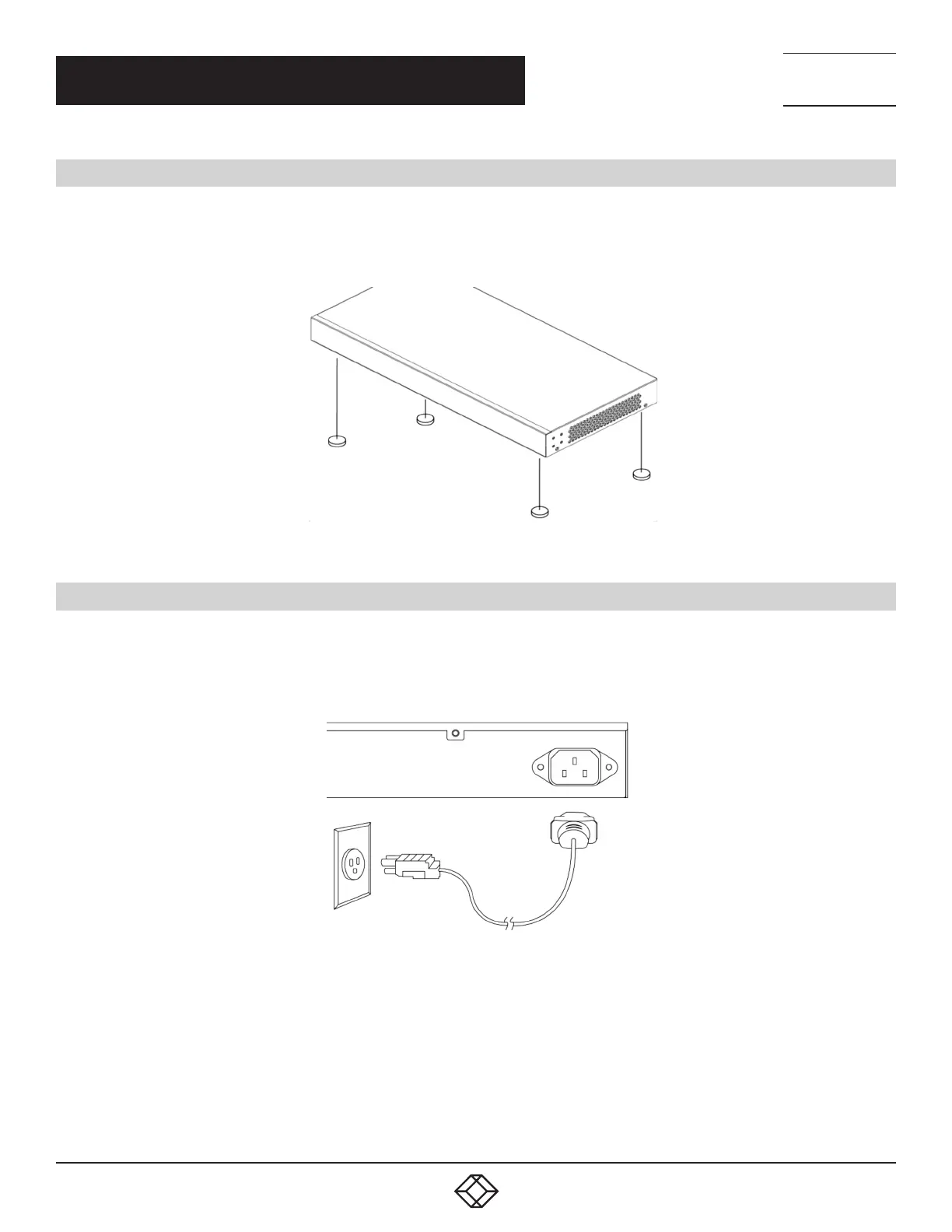
Step 2: Attach the four adhesive rubber feet to the bottom of the switch.
FIGURE 2-3. ATTACHING THE RUBBER FEET
2.3 CONNECTING THE AC POWER CORD
Step 1: Connect the AC power cord to the AC power receptacle of the switch.
Step 2: Connect the other end of the AC power cord to the AC power outlet.
Step 3: Check the SYS LED. If it is ON, the power connection is correct.
FIGURE 2-4. CONNECTING THE AC POWER CORD












 To Next Page