13
CHAPTER 2: Introduction
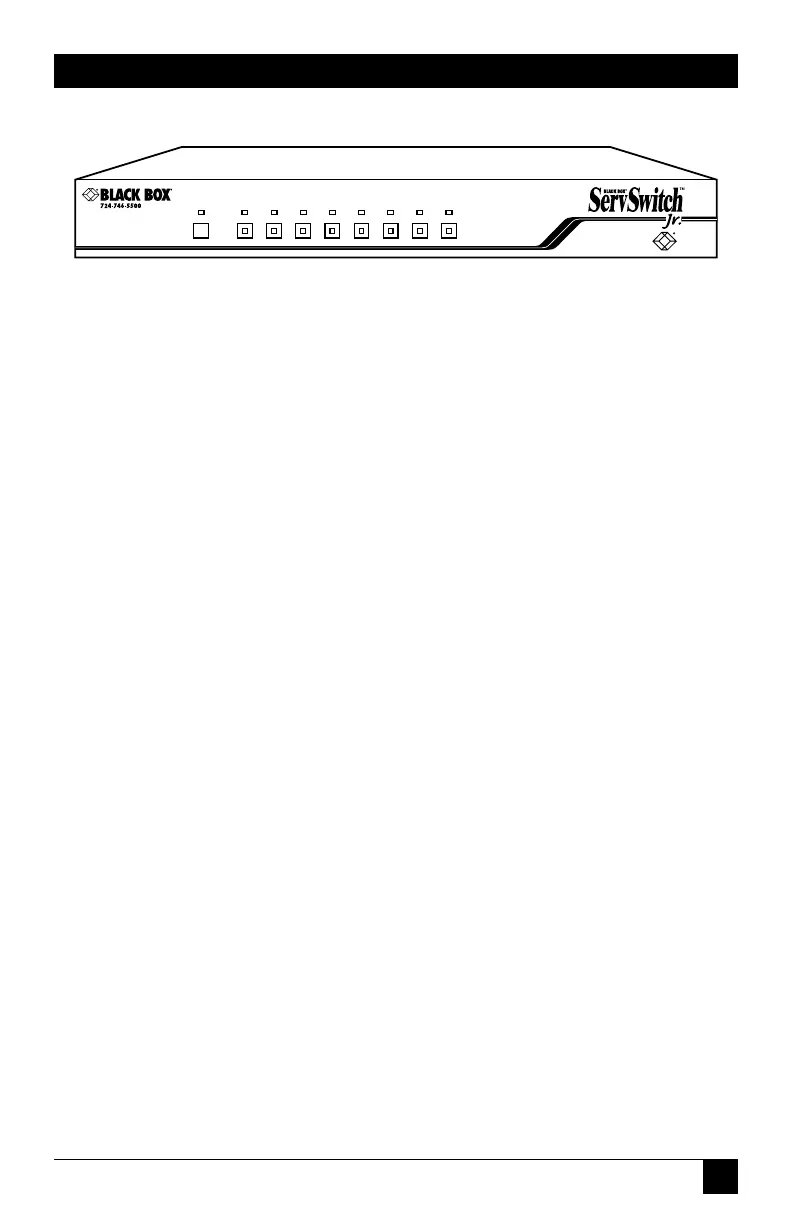
Figure 2-2. The front panel of an 8-port ServSwitch Jr. (SW629A-R2).
Panel Label Description
STATUS Status LED: Flickers when the Switch receives data from the
attached keyboard or mouse, remains dark otherwise.
RESET Reset Button: Press to reset the unit and reinitialize the shared
keyboard and mouse; also used to restore the unit to its factory-
default state.
POWER Numbered Power LEDs: Light to indicate that the attached
CPU is powered up.
SELECT Numbered Port-Selection Buttons/LEDs: Press the buttons to
select the corresponding CPU. The LEDs inside the buttons
light to show that the corresponding CPU is currently selected.


 To Next Page
 Loading...









