CHAPTER 7: Speed Your Typing with AutoText
1
TIP: Skip typing apostrophes! Learn the
AutoText contractions to save time as you
type future emails.
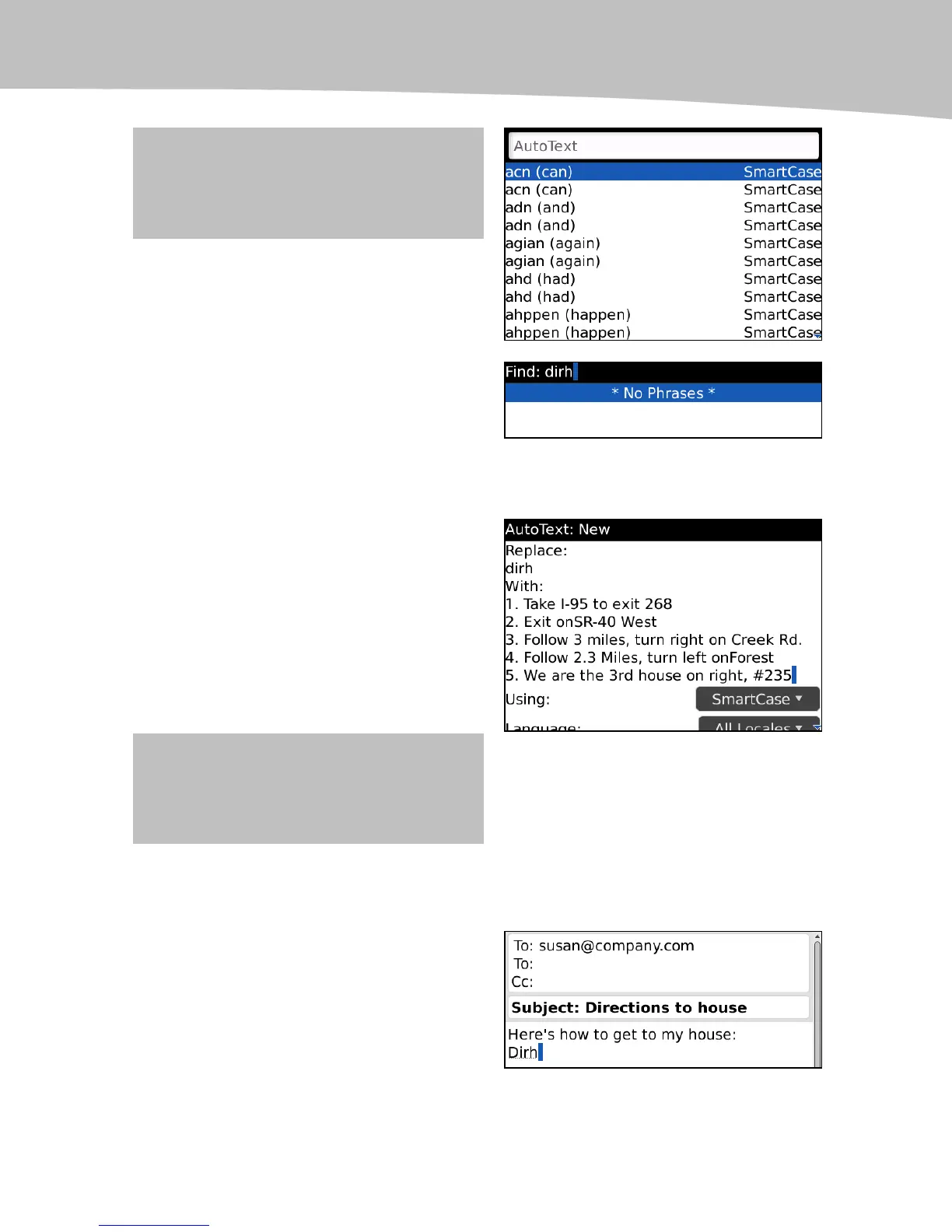
3. Under Replace: type in the new
entry you want to add, in this case
dirh for Directions to home, making
sure you have no entries that exactly
match.
* No Phrases * means no matches.
4. Hit the Enter key to start adding
your new entry.
5. Glide down to under With: and
enter the text you want to appear
when you type your new AutoText
word dirh.
6. Press the Menu key and select
Save.
TIP: Type the directions on your computer
and email them to yourself, then copy and
paste them into AutoText from the email.
Using New AutoText Entries
Now when someone wants directions to
your house, all you have to do is type dirh.















 To Next Page