Installing Administration Software
Installing Blackmagic Teranex Setup
The Teranex setup software is used to update your Teranex Mini and to change video, audio
and network settings.
Blackmagic Teranex Setup can be installed
on Mac and Windows computers.
Installation on Mac
1 Download the Blackmagic Teranex Setup software from www.blackmagicdesign.com
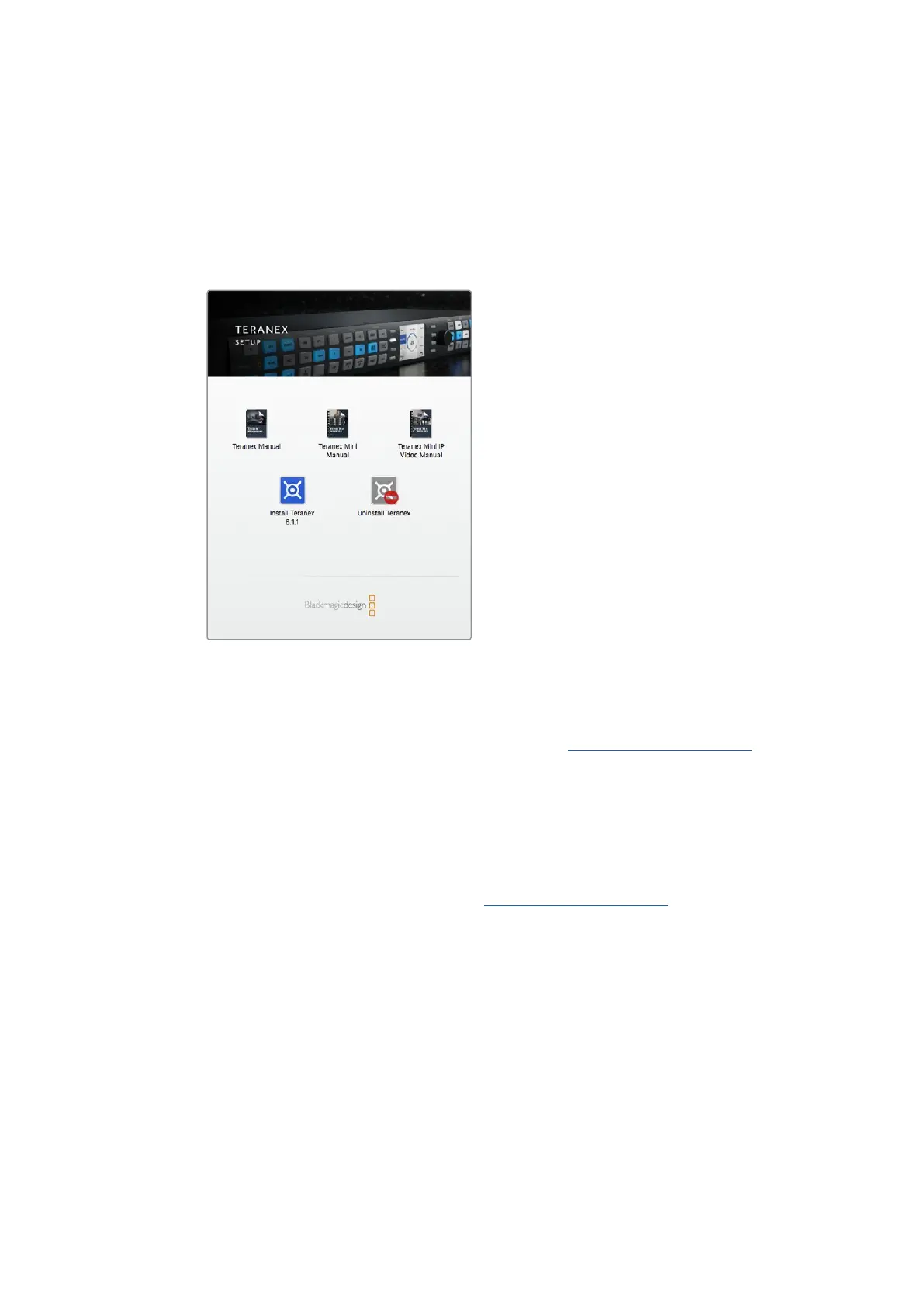
2 Unzip the downloaded file and open the resulting disk image to reveal its contents.
3 Double click the installer and follow the prompts to complete the installation.
The Teranex setup utility is now installed.
Installation on Windows
1 Download Blackmagic Teranex Setup from www.blackmagicdesign.com
2 Unzip the downloaded file. You should see a Blackmagic Teranex Setup folder
containing this PDF manual and the Teranex setup utility installer.
3 Double click the installer and follow the prompts to complete the installation.
4 When the installation has finished, it will prompt you to restart your computer.
Click ‘restart’ to complete the installation.
Once the computer has restarted, Blackmagic Teranex Setup will be ready to use.
5Installing Administration Software











 To Next Page