Your Teranex Mini will retain its last settings whether applied via switch, Smart Panel or
Blackmagic Teranex Setup. If reverting to switch control after removing the Smart Panel or
updating your converter’s settings via software, you may need to toggle individual switches
fornew settings to take effect.
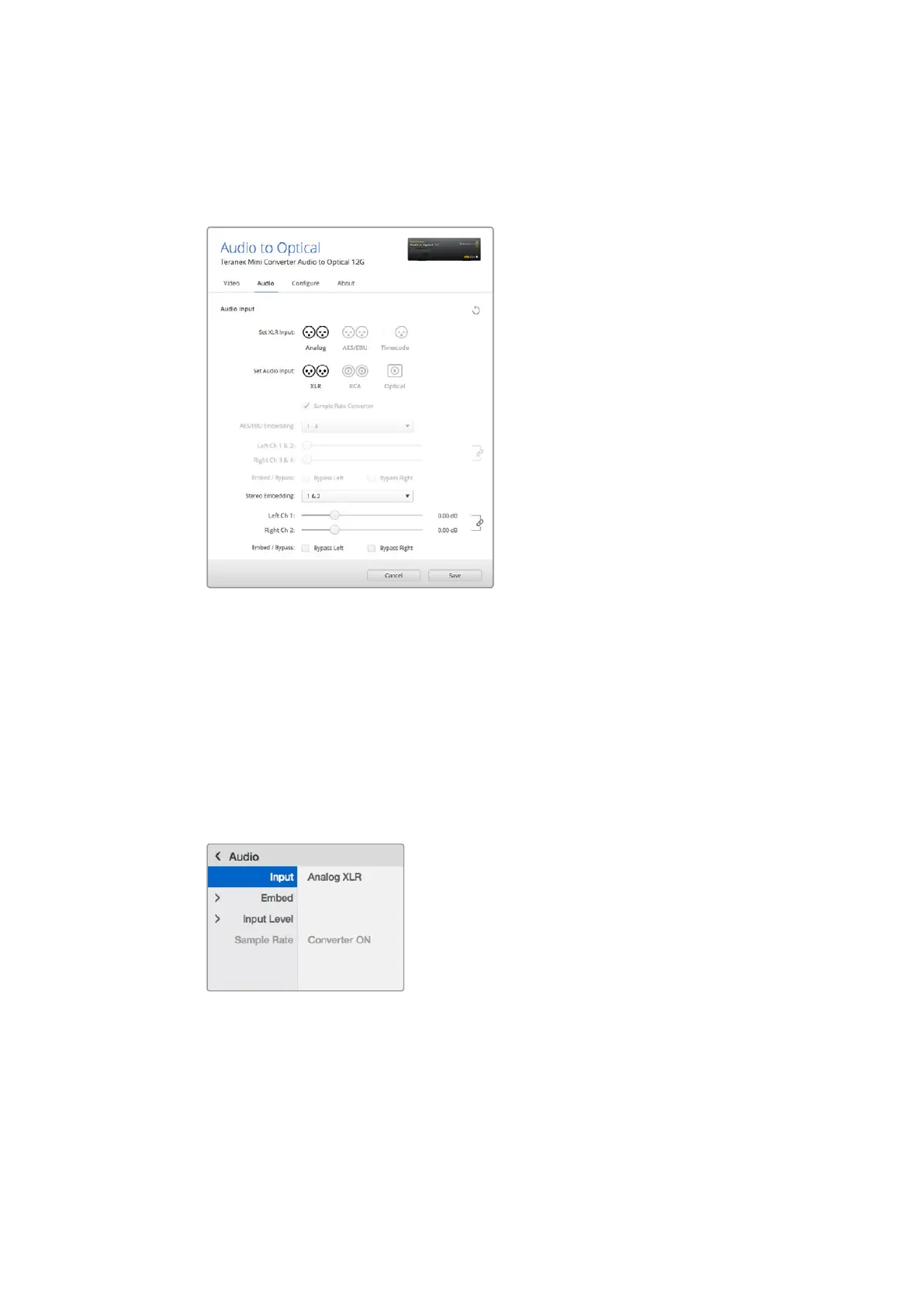
Adjust your analog audio levels and AES/EBU levels using
the ‘audio’ settings page in Blackmagic Teranex Setup.
Teranex Mini Smart Panel Settings
If you have installed the optional Teranex Mini Smart Panel on your Audio to Optical 12G
converter, the following menus will be available - ‘audio,’ and ‘network.’ The settings available in
these menus are identical to those detailed in the ‘Blackmagic Teranex Setup settings’
section above.
For more information on changing settings using the Teranex Mini Smart Panel, refer to the
‘changing settings’ section in this manual.
Using Teranex Mini Smart Panel gives you access
to the same settings as Blackmagic Teranex Setup.
93Teranex Mini – Audio to Optical 12G











 To Next Page