5
EN
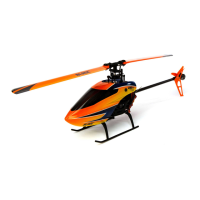
Put the helicopter on a flat, level surface.
The helicopter gyro stabilizes at this time. Do not
allow the helicopter to move until the red LED on
the helicopter is solid.
Before Flying
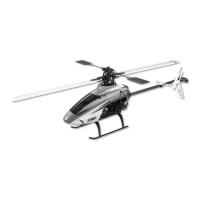
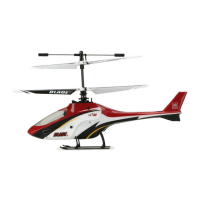
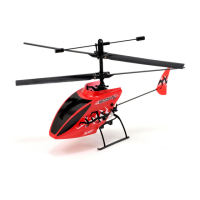
CAUTION: ThebatteryincludedwithyourScoutCXiskeyedtoonlybeinsertedwiththetopofthebattery
facing up. Do not force it in with the opposite side facing up.
3
Transmitter Control
Rudder Trim
Charge LED
Elevator Trim
Throttle (Up/Down)
ON/OFF Switch
Power LED
Charging Port
Rudder (Left/Right)
Elevator (Forward/Backward)
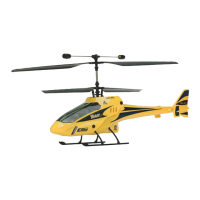
HoldthebottomoftheScoutCXasshownto
keepfromdamagingthecircuitboard.
Insert and connect the Li-Po battery into the
helicopterbatteryholder.Makesuretoalignthe
red dots on both the battery and the landing gear.
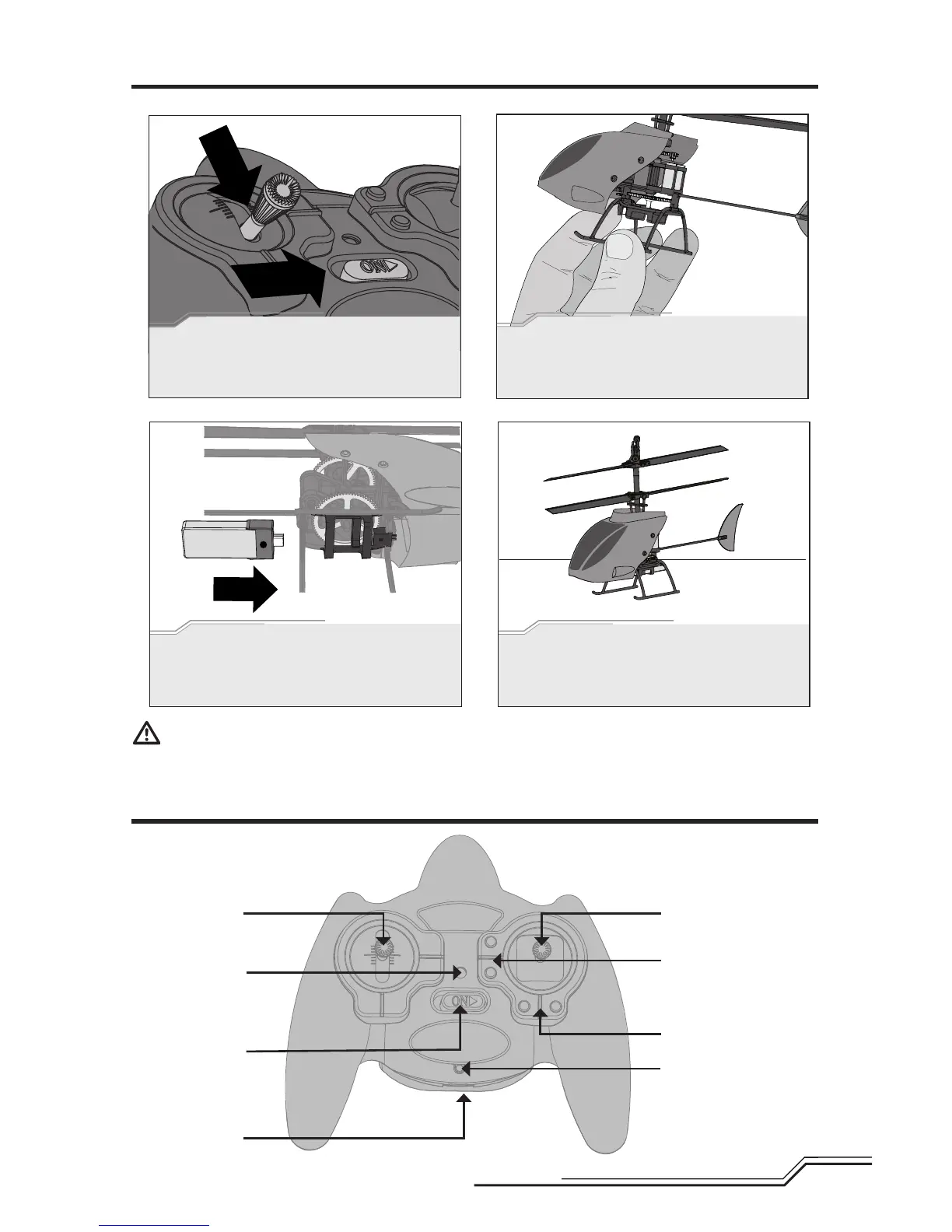
Lower the throttle to off, then power on the
transmitter.


 To Next Page