7
EN
Lifting Off for the First Flight:
Flying in Circles
1.PullthethrottlestickdowntothebottomofitstravelandthenturnONthetransmitter.
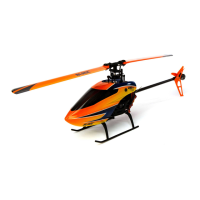
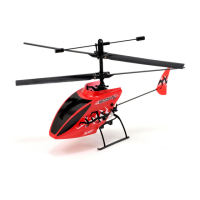
2.PlacetheScoutCXonthegroundwiththetailpointingtowardyou.
3.Gentlymovethethrottlestickto1/3throttle.TherotorbladeswillspinandtheScoutCXwillclimb.Climbto1.0–1.5
meters(3–5feet)high.Reduceandaddthrottleasneededtohoveranddescend.
Usesmoothcontrolstickmovementwhenyouareyingthehelicopter.Alwaysusesmallcontrolstickmovementsand
keepyourngersonthecontrolsticks.IfyounoticethattheScoutCXwantstowander/turntotheleftorright,some
steering adjustments may be necessary.
Movetherightcontrolsticktowardthecornerstoyincircles.Thehelicopterwillmovefasterasthecontrolstick
reaches the corner.
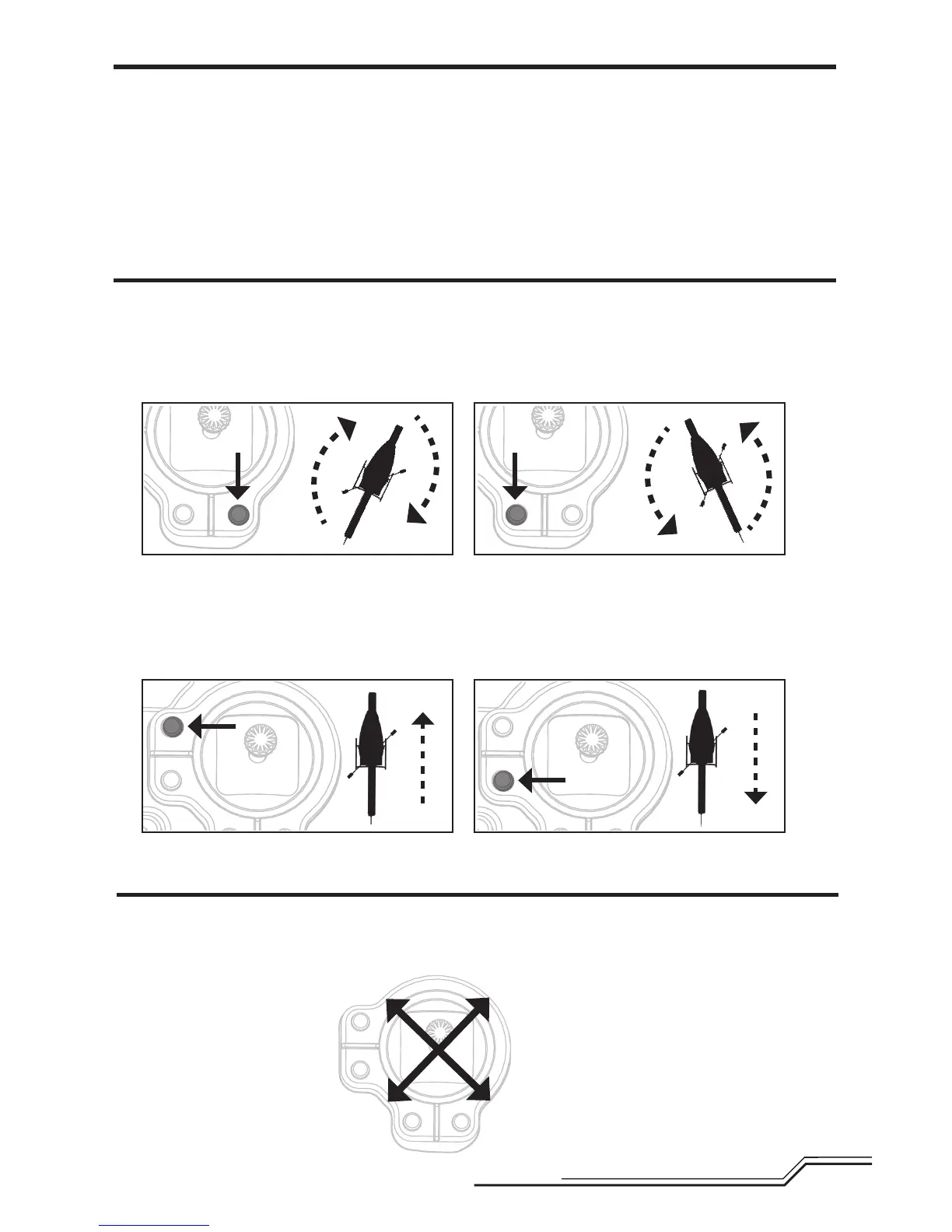
Making Flight Adjustments
Left or Right
Thesteeringtrimmakessmalladjustmentstothehelicopter’sdirection.Ifthenose(front)turnsright,pressthelefttrim
button until the rotation stops and the nose stays in place. A long tone will be heard when the trim is at center.
Forward or Backward
Ifthehelicoptermovesforward,presstheelevatortrimintheoppositedirectiontheScoutCXismoving.Alongtonewill
be heard when the trim is at center.
Clockwise
Forward circles
Counterclockwise
Forward circles
Clockwise
Reverse circles
Counterclockwise
Reverse circles
If the heli turns right, then trim left.If the heli turns left, then trim right.
If the heli moves forward, then trim back.If the heli moves back, then trim forward.


 To Next Page