Bladelius Embla User Manual
Basic operation - Play music from an external digital source
© 2009 by Bladelius Design Group. All rights reserved
10
Play music from an external digital source
There are four external digital inputs to play music from; balanced input
(AES/EBU), unbalanced input (Coax), optical input (toslink) and USB input
(computer). Select between the inputs by pressing the source+ or source-
buttons.
Play music from an external USB mass storage device
Playing from a USB memory device works the same way as from the internal
memory. You access the track list through the USB memory playback button on
the display.
Play music from the internal memory
This will only work if you have made any backups of CD albums.
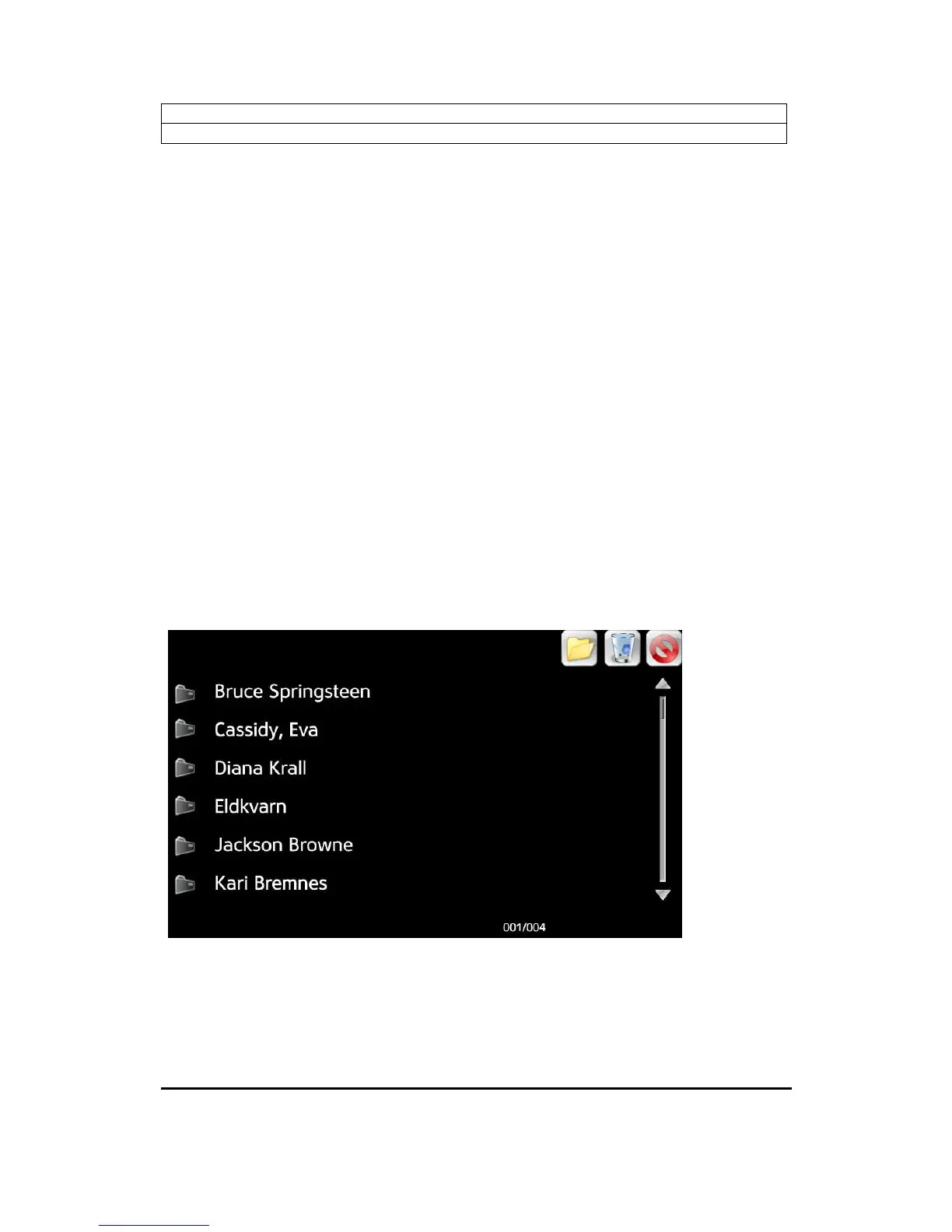
When you want to enter the music library, select the Audio playback menu button
in the upper right corner of the display, and then Internal memory playback
button. Navigate through artists and albums with the arrow-buttons on the remote
control, or use the touchscreen.
Browse artists


 To Next Page