Bladelius Embla User Manual
Reference - System settings
© 2009 by Bladelius Design Group. All rights reserved
22
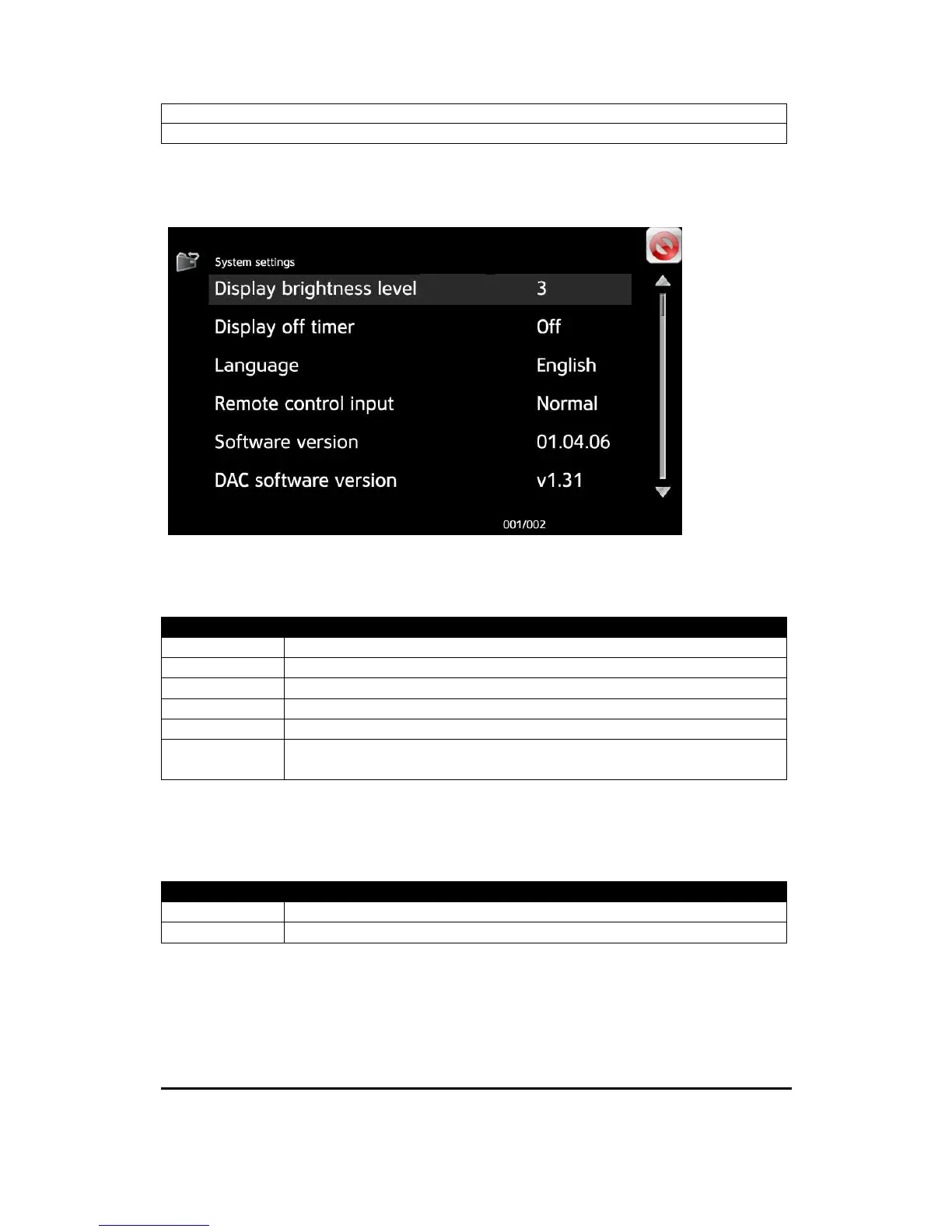
System settings
Display brightness level
You can select the brightness level on the display.
Options
1 Lowest intensity. Use in home theater.
2
3 *) Normal intensity.
4
5 Highest intensity. Use in very light room, or in direct sunlight.
Off Display is off. The display is automatically lit up when the
remote control is used.
Display off timer
When Display brightness level is set to “Off”, this setting sets the time the display
will light up when a remote control command is being.
Options
Off *) The display is not lit up automatically.
3, 7, 30, 60 Number of seconds the display is lit up before it turns off again.


 To Next Page